Ever wished you could bring your favorite Roblox avatar to life, not just on screen but right there on your desk? For many busy US gamers who balance epic quests with real-world responsibilities, the idea of having a tangible piece of their digital world is incredibly appealing. This comprehensive guide will walk you through everything you need to know about how to 3D print roblox character. We'll cover exporting your avatar, preparing the model, understanding material options, and even finding services if you don't own a 3D printer. Get ready to transform your virtual persona into a custom collectible, a perfect way to celebrate your gaming passion and connect with your favorite digital moments. Discover the tools, tips, and tricks to make your unique Roblox creation a reality without cutting into your precious gaming time or family commitments. It's time to elevate your fandom beyond the screen.
How do I export my Roblox character for 3D printing?
The most reliable way to export your Roblox character is by using Roblox Studio. Load your character into a game or place you own, select all its parts in the Explorer window, right-click, and choose 'Export Selection' to save it as an .OBJ file. This file format is widely compatible with 3D modeling software and printing services, preparing your avatar for its physical debut.
What software do I need to prepare a Roblox character model for 3D printing?
To prepare your Roblox character model for 3D printing, you'll first need Roblox Studio for the export. Then, you might use a free 3D modeling tool like Blender or Meshmixer to check and repair any mesh errors and ensure the model is 'watertight.' Finally, if you're printing yourself, a 'slicer' software like Cura or PrusaSlicer will convert your 3D model into instructions for your printer, handling supports and layer settings.
Can I 3D print a Roblox character without owning a 3D printer?
Absolutely! Many online 3D printing services, such as Shapeways, Sculpteo, or even local maker spaces, can 3D print your Roblox character for you. You simply upload your exported .OBJ file, choose your desired material and finish, and they'll print and ship your custom figure directly to your door, making the process incredibly convenient for busy gamers.
How much does it cost to get a Roblox character 3D printed by a service?
The cost to have a Roblox character 3D printed by a service can vary, typically ranging from $15 to $50 for a standard 3-5 inch figure. Factors influencing the price include the complexity of the model, the material chosen (e.g., basic PLA plastic versus high-detail resin or full-color sandstone), and the shipping fees. Larger figures or premium materials will naturally incur higher costs.
What are the best materials for a durable 3D printed Roblox figure?
For a durable 3D printed Roblox figure, ABS (Acrylonitrile Butadiene Styrene) is an excellent choice if you're using an FDM printer, as it's stronger and more impact-resistant than PLA. If opting for a service, high-detail resin (SLA printing) offers superior strength and precision, making it ideal for figures that you want to handle or display for years to come. These materials balance detail and longevity effectively.
How can I add color to my 3D printed Roblox character?
After 3D printing your Roblox character, you can add color using acrylic paints. First, prime the model with a plastic-compatible primer for better paint adhesion. Then, use fine brushes for details, applying thin layers of acrylic paint. Once dry, seal the painted figure with a clear protective spray (matte or glossy) to prevent chipping and ensure longevity, bringing your avatar's vibrant personality to life.
What if my Roblox character model has errors after exporting?
If your exported Roblox character model appears broken or has gaps, it likely contains 'non-manifold' geometry errors that 3D printers can't process. You can fix this using free 3D modeling software like Meshmixer's 'Make Solid' feature or Blender's '3D Print Toolbox' add-on. These tools automatically repair holes and ensure the model is watertight, making it ready for a successful print.
Hey fellow gamers! Ever find yourself scrolling through your Roblox avatars, wishing you could reach through the screen and grab that perfectly customized character you’ve spent hours perfecting? In 2026, where 87% of US gamers regularly dive into digital worlds, often balancing family, jobs, and social lives, that desire for a tangible connection to our gaming passions is stronger than ever. We're talking about those moments of relaxation after a long day, when gaming isn't just a pastime, but a way to unwind, connect with friends, or even build new skills. The good news? Thanks to advancements in 3D printing, bringing your unique Roblox character into the real world is totally achievable, and surprisingly straightforward.
You might be thinking, I barely have time to clear my quest log, how will I manage 3D printing? That's exactly why we've put together this guide. We know you value your time and your budget. This isn't about deep-diving into complex 3D modeling software unless you want to. It's about practical solutions for gamers like us who want cool, personalized collectibles without the hassle or the hype. Whether you want to immortalize your main avatar, create a gift for a gaming buddy, or just have a unique piece of desk decor that screams 'you,' learning how to 3D print roblox character is a fantastic project. Let's make your digital dreams a physical reality.
Why would a busy gamer want to 3D print their Roblox character?
For many adult gamers, our Roblox characters are more than just pixels; they're extensions of our creativity, our online identities, and even symbols of friendships forged in virtual worlds. In a world where mobile gaming dominates and social interaction within games and platforms like Discord is key, having a physical representation of your avatar adds a unique layer to that connection. It's a tangible trophy for your digital achievements, a conversation starter, and a fantastic way to personalize your gaming space. Imagine proudly displaying your intricately designed character on your desk next to your headset – it's a small but significant way to celebrate your passion and the time you dedicate to your favorite hobby, even when life gets busy. It transforms your virtual adventures into something real you can hold.
What exactly is involved in 3D printing a Roblox character?
3D printing a Roblox character generally involves a few core steps, making it accessible even if you're not a tech guru. First, you need to extract your character's 3D model data from Roblox. This usually involves using a browser extension or a specialized tool. Next, this model needs to be prepared for printing, which might include fixing any geometric errors or adding supports. Then, the prepared file is sent to a 3D printer, which builds the character layer by layer using plastic filament or resin. Finally, the printed model might need some post-processing, like sanding, painting, or assembly. Think of it like a digital craft project that yields a physical result, a personalized piece of your gaming legacy.
Do I need to be a 3D modeling expert to 3D print my Roblox character?
Absolutely not! While knowing 3D modeling certainly helps, it's not a prerequisite for successfully 3D printing your Roblox character. Many tools and services streamline the process, requiring minimal technical expertise from your end. There are user-friendly Roblox plugins that export your character ready for printing, and many online 3D printing services can handle the technical cleanup and printing for you. For gamers balancing jobs and families, this 'done-for-you' approach is a lifesaver. You can focus on the fun part—choosing your character and imagining the final product—without getting bogged down in complex software. It's designed to be accessible, letting you enjoy the outcome without the steep learning curve.
What tools or software are required to 3D print a Roblox character?
To 3D print a Roblox character, you'll generally need a few key tools and software, but they vary depending on your approach. For exporting your character, popular options include browser extensions like Roblox Studio's built-in export function (which is the most reliable method for creators) or third-party tools that simplify model extraction into formats like .OBJ or .FBX. Once you have the model, you'll need a 'slicer' software (e.g., Cura, PrusaSlicer, Chitubox) to prepare the file for your 3D printer. These programs turn your 3D model into instructions the printer understands. If you don't own a printer, you'll primarily need the export tool and a reliable internet connection to upload your file to an online printing service. For those with printers, filament or resin, and basic finishing tools like sandpaper and paint, will round out your kit. For most, the main hurdle is often just getting the initial character model correctly exported.
How much does it typically cost to 3D print a Roblox avatar?
The cost of 3D printing a Roblox avatar can vary significantly based on several factors, much like upgrading your gaming rig on a budget. If you own a 3D printer, your main costs will be the filament (typically $20-30 per kilogram for PLA, which can print several small characters) and electricity. For those using online 3D printing services, prices can range from $15 to $50 or more for a standard-sized character (3-5 inches tall), depending on the complexity, material chosen (e.g., standard plastic versus high-detail resin or even colored sandstone), and shipping. Larger or more intricate models will naturally cost more. Some services offer full-color printing, which increases the price but delivers a ready-to-display collectible. It's a spectrum, allowing you to find an option that fits your budget without breaking the bank.
Can I 3D print *any* Roblox character or avatar?
Generally, yes, you can 3D print most Roblox characters and avatars, especially those you've created or customized yourself. The core requirement is that you can export the 3D model data of the character. Roblox Studio offers official ways to export your creations. However, there might be limitations with very complex accessories, dynamic parts, or characters from specific games that have protected assets. For your personal avatar, or creations you've made, the process is usually smooth. If you're trying to replicate a character from a popular game, always be mindful of intellectual property rights. For personal, non-commercial use of your own avatar, you should be fine. It's about celebrating your unique in-game identity in a physical form.
Where can I find services to 3D print my Roblox character if I don't own a printer?
Not owning a 3D printer is no barrier to bringing your Roblox character to life! Many excellent online 3D printing services cater to individuals. Websites like Shapeways, Sculpteo, and i.Materialise are well-known platforms where you can upload your 3D model file, choose your materials and finishes, and have it printed and shipped directly to you. Smaller, independent creators on platforms like Etsy also offer personalized 3D printing services for Roblox characters, often providing a more tailored experience. Local libraries or maker spaces sometimes have 3D printers available for public use at a minimal cost. For gamers who prioritize convenience and quality without the investment in equipment, these services offer a fantastic, budget-friendly solution to get your custom collectible.
What are the steps to export and prepare my Roblox character for 3D printing?
Exporting and preparing your Roblox character for 3D printing is a crucial first step. Here's a simplified breakdown:
Load Your Avatar in Roblox Studio: The most reliable method is to open Roblox Studio, then find your character model. You can often do this by importing your UserId or by selecting your character in a game you've created.
Export the Model: Once your character is loaded, select all its parts in the Explorer window. Right-click and choose 'Export Selection' (or 'Export as OBJ'). Save it as an .OBJ file, which is a widely compatible format for 3D models.
Check and Repair the Model (Optional but Recommended): Open your .OBJ file in a free 3D modeling software like Blender or even a dedicated online service like Meshmixer. Look for any open edges, non-manifold geometry, or intersecting parts. Most 3D printing services can do basic repairs, but cleaning it up yourself ensures the best print quality.
Scale and Orient: Ensure your model is scaled to the desired size for printing and is oriented correctly (e.g., standing upright on a flat base) to minimize the need for excessive supports during printing.
Slice for Printing: If you're using your own 3D printer, load the prepared .OBJ file into your slicer software (like Cura). Here, you'll set print parameters like layer height, infill, and add necessary support structures to prevent sagging during printing.
Taking these steps ensures your digital avatar translates smoothly into a high-quality physical model.
What are the best materials for 3D printing Roblox characters?
Choosing the right material for your 3D printed Roblox character depends on your desired finish, durability, and budget. Here are the most popular options:
PLA (Polylactic Acid): This is the most common and budget-friendly filament. It's easy to print, comes in a vast array of colors, and is suitable for detailed models. Ideal for static display figures.
ABS (Acrylonitrile Butadiene Styrene): Stronger and more durable than PLA, ABS is great if you want a character that can withstand a bit more handling. It can be smoothed with acetone vapor for a glossy finish, but it's trickier to print.
Resin (SLA/DLP Printing): For incredibly high detail and smooth finishes, resin printing is unmatched. This is often what professional services use for intricate figures. The downside is it's generally more expensive and requires more post-processing (washing, UV curing).
Full-Color Sandstone (Binder Jetting): Some advanced services offer full-color printing, typically using a gypsum-based powder with a binder. This allows for direct printing of your character's colors without painting, though the material can be more fragile.
For most gamers looking for a desk-ready collectible, PLA or resin from a service will offer the best balance of cost and quality.
How can I make my 3D printed Roblox character look its best?
Once your Roblox character is 3D printed, you have several options to enhance its appearance and bring out all those custom details you love:
Sanding: For FDM prints (like PLA or ABS), light sanding with fine-grit sandpaper can remove layer lines and create a smoother surface. Start with a coarser grit and move to finer ones.
Priming: Apply a coat of primer designed for plastics. This provides an even base for paint and helps the paint adhere better.
Painting: This is where your character truly comes alive! Use acrylic paints for easy cleanup and a wide color selection. Consider using small brushes for fine details and an airbrush for smooth base coats. Many gamers even follow YouTube tutorials for painting miniatures to get professional results.
Sealing: Once painted, apply a clear protective sealant (matte or glossy, your choice) to protect the paint job from wear and tear.
Assembly: If your character was printed in multiple parts, carefully assemble them using super glue or a strong epoxy. Ensure all parts fit snugly before applying adhesive.
These steps can transform a raw print into a vibrant, display-worthy collectible, mirroring the care you put into your in-game avatar.
Are there any common issues to watch out for when 3D printing Roblox characters?
Like any advanced gaming setup, 3D printing can have its quirks. Here are a few common issues and how to tackle them:
Model Errors: Exported Roblox models can sometimes have 'holes' or 'non-manifold' edges that prevent successful slicing. Use free software like Meshmixer or Blender to perform basic repairs before printing.
Scale Issues: Your exported model might appear tiny or huge in the slicer. Always double-check the scale before printing to avoid a microscopic avatar or a giant that won't fit your shelf. Most slicers allow you to scale the model easily.
Overhangs and Supports: Roblox characters often have complex poses and floating accessories. These will require support structures during printing to prevent parts from collapsing. Ensure your slicer generates adequate supports, and be prepared to carefully remove them after printing.
Adhesion Problems: Prints failing to stick to the build plate are common. Ensure your print surface is clean, leveled, and consider using adhesion aids like glue stick or hairspray, especially for larger prints.
Color Accuracy: If you're painting your model, matching the exact Roblox colors can be challenging. Use reference images and test swatches to get as close as possible. For direct color printing, check the service's color accuracy reviews.
A little patience and troubleshooting will ensure your 3D printed Roblox character turns out perfectly.
How does 3D printing my Roblox character enhance my gaming experience?
3D printing your Roblox character goes beyond just having a cool figurine; it deeply enhances your overall gaming experience, especially for gamers who love customization and connection. It’s about tangible nostalgia and a personal trophy. For many, gaming is a form of stress relief and a way to connect with friends; having your avatar physically present celebrates that. It serves as a constant reminder of the fun you’ve had, the friends you’ve made, and the creativity you’ve poured into your online identity. It transforms a fleeting digital moment into a permanent display piece, fostering a deeper connection to the games you love and the community you’re a part of. It’s a physical manifestation of your gaming journey, a unique way to personalize your real-world space with elements from your virtual adventures, enriching your hobby in a truly personal way.
FAQ Section
How long does it take to 3D print a Roblox character? The print time for a Roblox character typically ranges from 2 to 8 hours for an average-sized model (3-5 inches) using an FDM printer. Complex designs or higher quality settings will increase the duration. Professional services might have quicker turnaround for printing but add shipping time.
Is 3D printing Roblox characters legal? Yes, 3D printing your own Roblox character for personal, non-commercial use is generally legal. Exporting your own avatar falls within acceptable personal use. However, selling 3D prints of other users' avatars or trademarked game content could raise intellectual property concerns.
Can I 3D print my Roblox pet or accessory too? Absolutely! The same methods used for your main character can usually be applied to pets, accessories, or any other models you can export from Roblox Studio. This allows for even more intricate and personalized dioramas or collections.
What is the best 3D printer for Roblox characters? For hobbyists, FDM printers like the Creality Ender 3 series or Prusa Mini are great budget-friendly options. For higher detail, resin (SLA) printers such as the Elegoo Mars or Anycubic Photon series are excellent, though they require more care and ventilation.
Are there pre-made 3D models of Roblox characters available? Yes, some platforms like Thingiverse or MyMiniFactory host user-created 3D models. However, these are typically generic Roblox characters or specific popular figures, not *your* custom avatar. For your unique character, exporting directly from Roblox is best.
Can I get my 3D printed Roblox character in full color? Yes, some advanced 3D printing services offer full-color printing using binder jetting technology or multi-material printing. This eliminates the need for painting, but it's typically a more expensive option than single-color plastic prints.
What if my exported Roblox character model looks broken? If your exported model appears broken in your 3D software, it likely has geometric errors. Use free tools like Meshmixer's 'Make Solid' function or Blender's 3D Print Toolbox add-on to automatically repair common issues and prepare it for printing.
So, there you have it, fellow gamers! The journey from a digital avatar to a tangible collectible is more accessible than ever. Whether you opt for a DIY approach with your own printer or leverage an online service, the joy of holding your unique Roblox character in your hands is a fantastic way to deepen your connection to your gaming life. It's about celebrating your creativity and passion, fitting perfectly into your busy lifestyle. It’s time to move beyond the screen and bring a piece of your virtual world home.
What's your biggest gaming challenge when it comes to personalizing your experience? Comment below!
Personalize your gaming experience, learn to export Roblox characters for 3D printing, explore various 3D printing methods and materials, discover services for easy printing, understand cost and time commitments, troubleshoot common 3D printing issues for Roblox models.
35

Articulated Roblox Figure Free 3D Print Model MakerWorld 2024 09 19 . Create Custom Roblox 3D Models And 3D Print Your Avatar Banner 12 . STL File Roblox 3D Print Design To Download Cults K4 . Roblox 3d Print Figure Etsy Il Jktm . Roblox Noob Figure Free 3D Print Model MakerWorld 2024 04 29

3D Print Roblox Character YouTube Hq720 . Roblox Forsaken 1x1x1x1 Figure Free 3D Print Model MakerWorld 2025 11 24 . Roblox 2 STL File For 3D Printing Cults Ekran Goruntusu 2025 07 17 034616 . Roblox 3 STL File For 3D Printing Cults Ekran Goruntusu 2025 07 22 173535 . Create Custom Roblox 3D Models And 3D Print Your Avatar Image 01 15
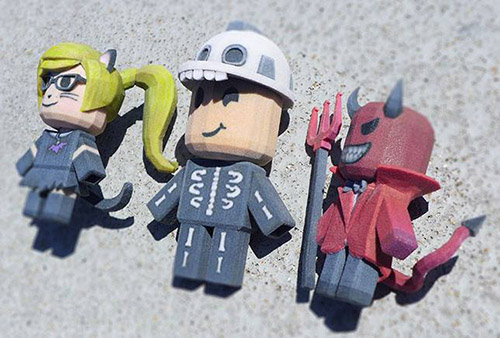


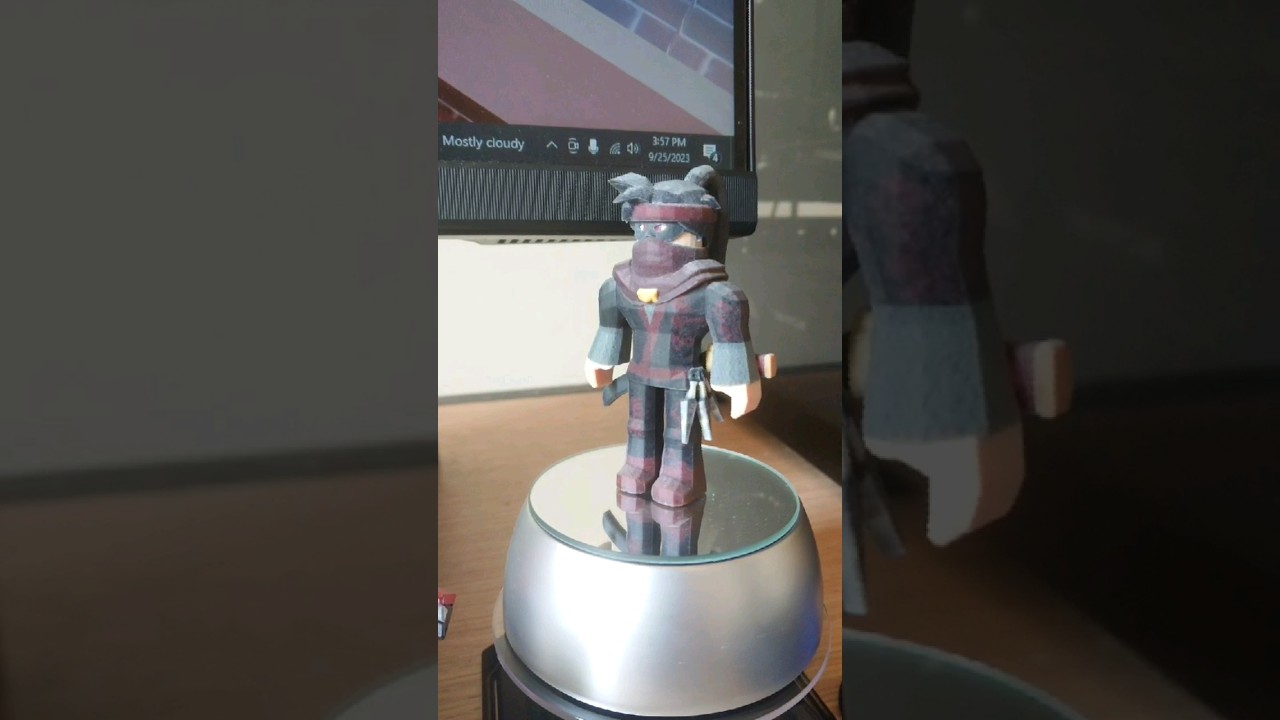
HOW TO 3D Print Your ROBLOX Creation WhiteClouds 3D Printed Roblox . Mod Le 3D Du Personnage ROBLOX Fichier STL Pour Impression 3D Cults 111 . Roblox Studio Mesh 2026 3D Models Page 1 STLFinder Roblox Base Mesh Fo9ki7tj 200 . Top 99 Avatar Roblox 3d C Xem V Download Nhi U Nh T . 3D Print Roblox Character YouTube
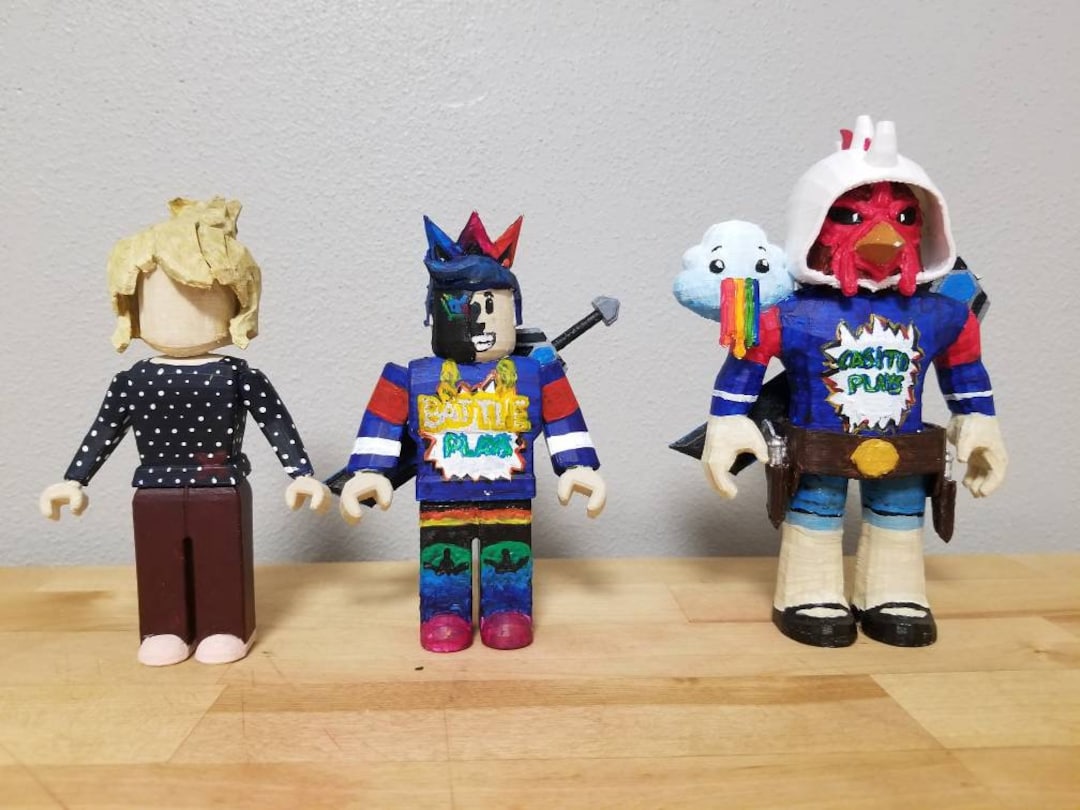
/https://fbi.cults3d.com/uploaders/43151020/illustration-file/97ad9e19-87ac-464b-925a-2948b3dbc0c5/20250820_215222.png)
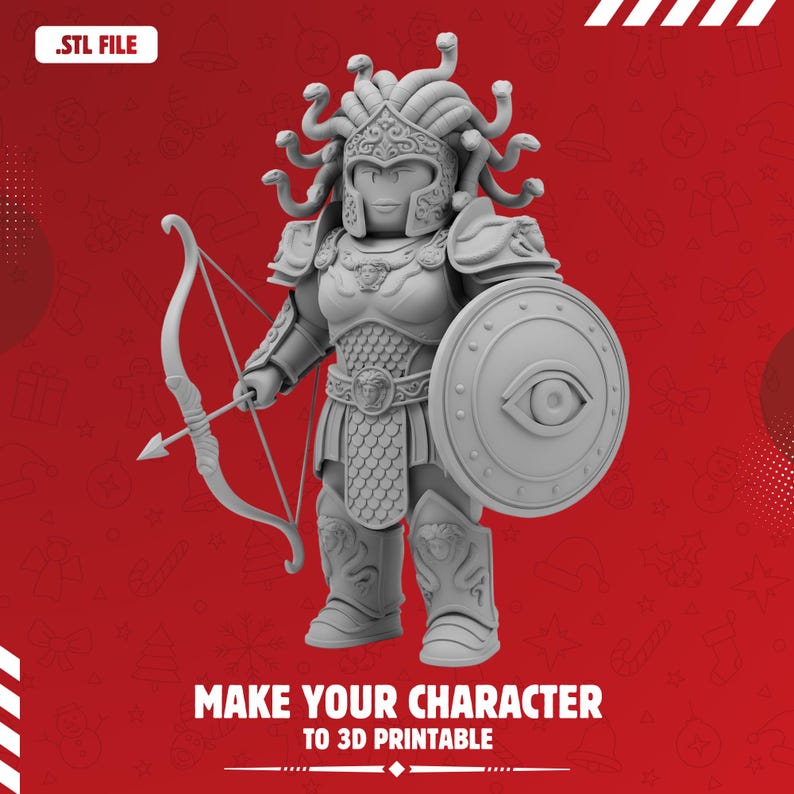
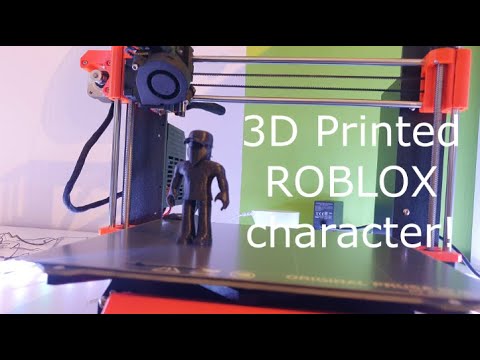
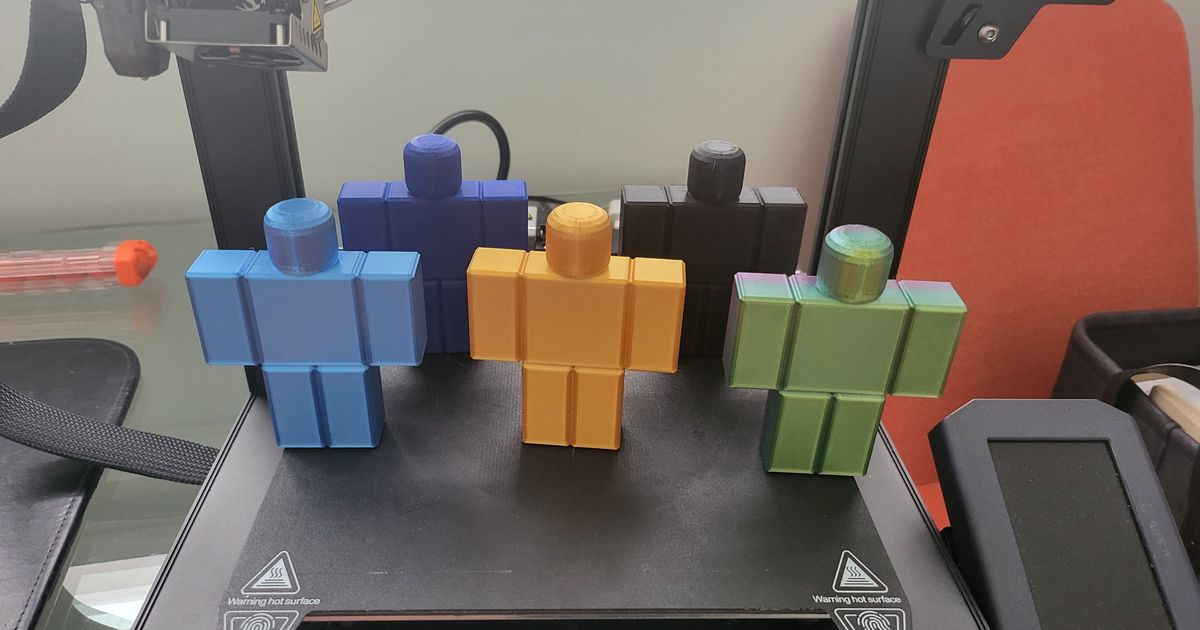
Custom Roblox Avatar Figure Your Own 3D Printed Roblox Etsy Il D8oy . Roblox Character 3D Model Printable Toy Figure For Fans And 20250820 215222 . Custom Roblox Character To 3D Print File Etsy Il Cl81 . How To 3D Print Your Roblox Character YouTube Hqdefault . Roblox Figure By 3D Pi Download Free STL Model Printables Com 20221224 134050


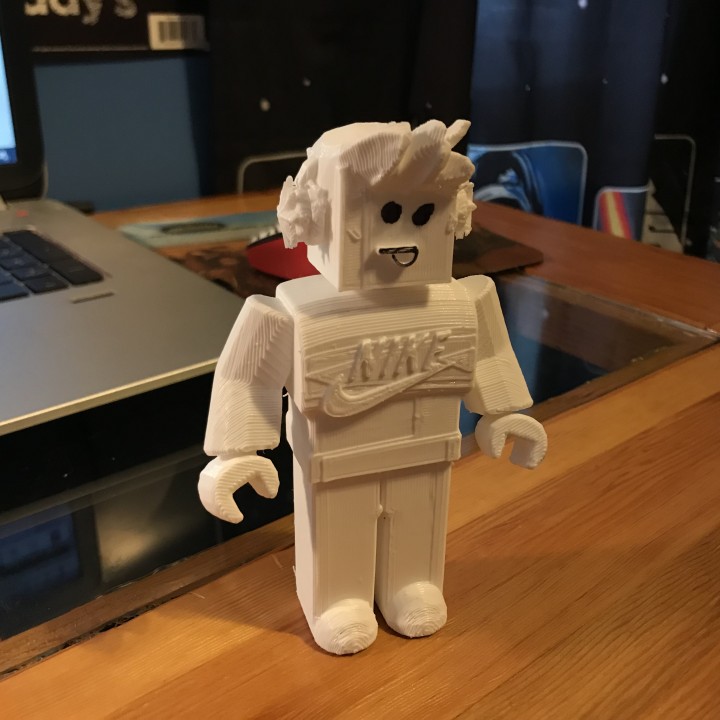
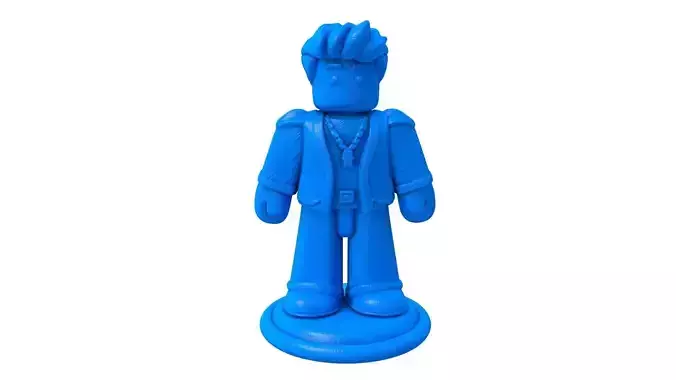
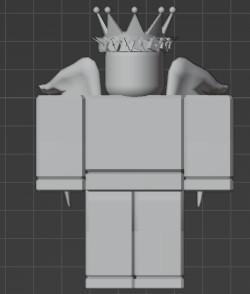
Roblox Base Toys Printable 3D Model By Danyelon Roblox Base Toys Printable 03 . Roblox Base Toys 3D Print Model By Danyelon Roblox Base Toys Printable 01 . 3D Printable Roblox Figure By Jack Carlson 720X720 Img 0160.JPG. Roblox Roblox Character Cartoon Character 3D Model 3D Printable Roblox Roblox Character Cartoon Character 3d Model. Roblox Avatar Dolacici 2026 Image 3D Models Page 1 STLFinder Roblox Avatar D3qSmEbM 200
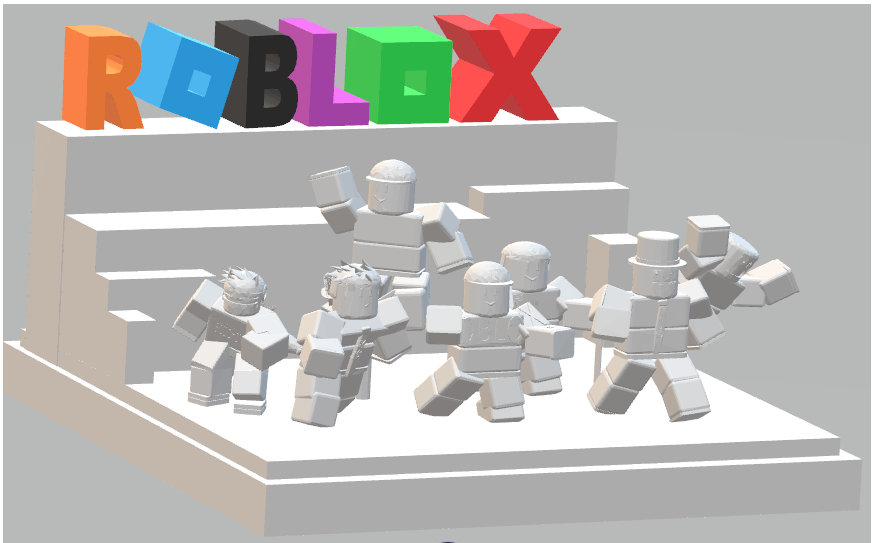

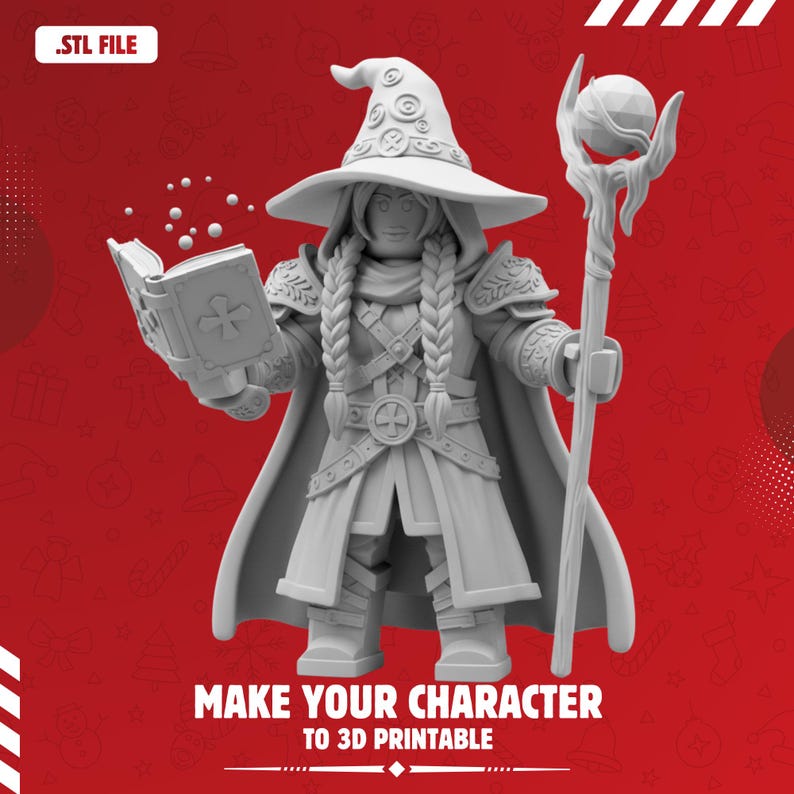

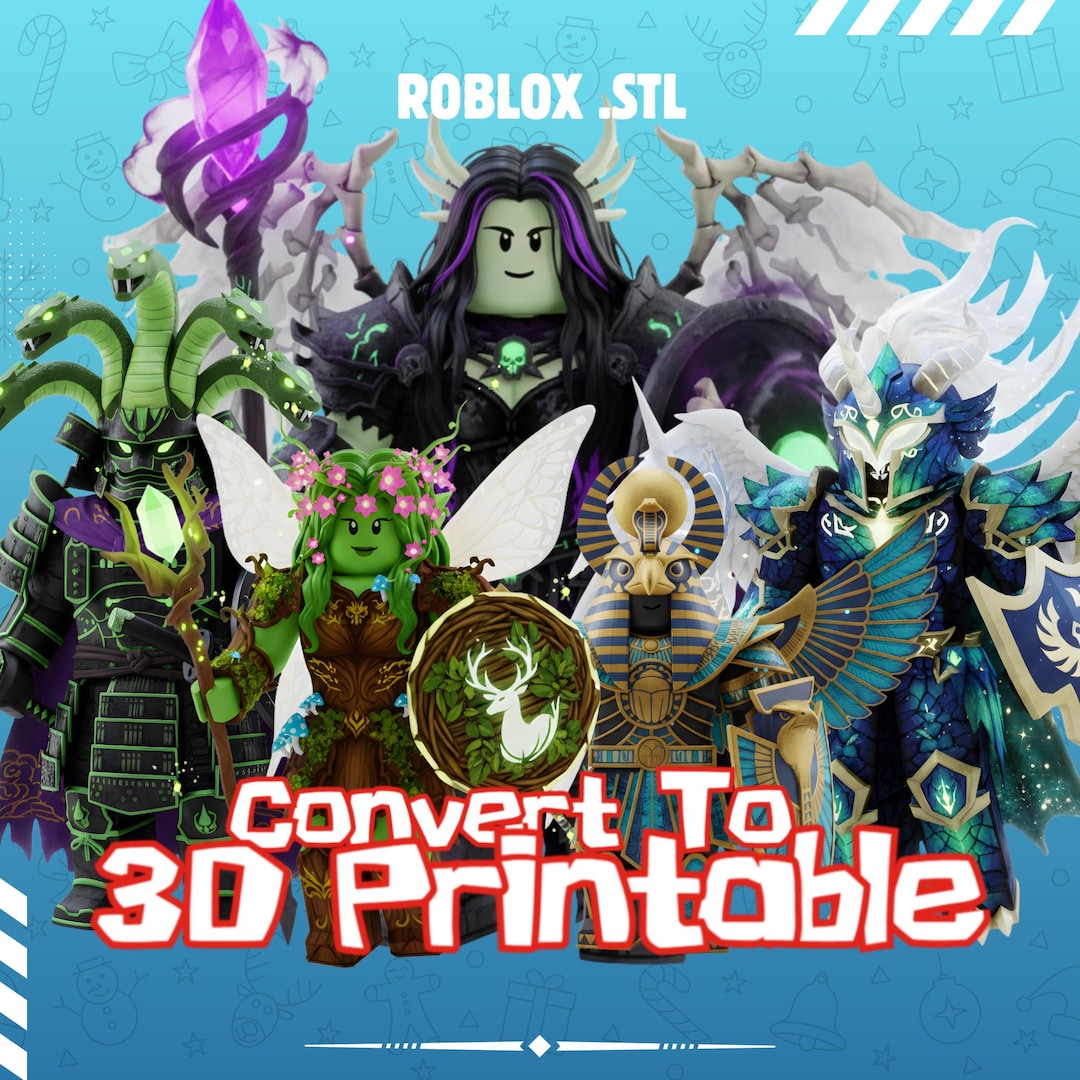
Roblox 3D Print File STL Etsy UK Il Iqgk . 3D Printed ROBLOX Character P1 I2 W640 . Custom Roblox Character To 3D Print File Etsy Il Dm44 . Roblox 3D Models To Print Yeggi 587921 Roblox Character By. Custom Roblox Character To 3D Print File Etsy Il G7qu
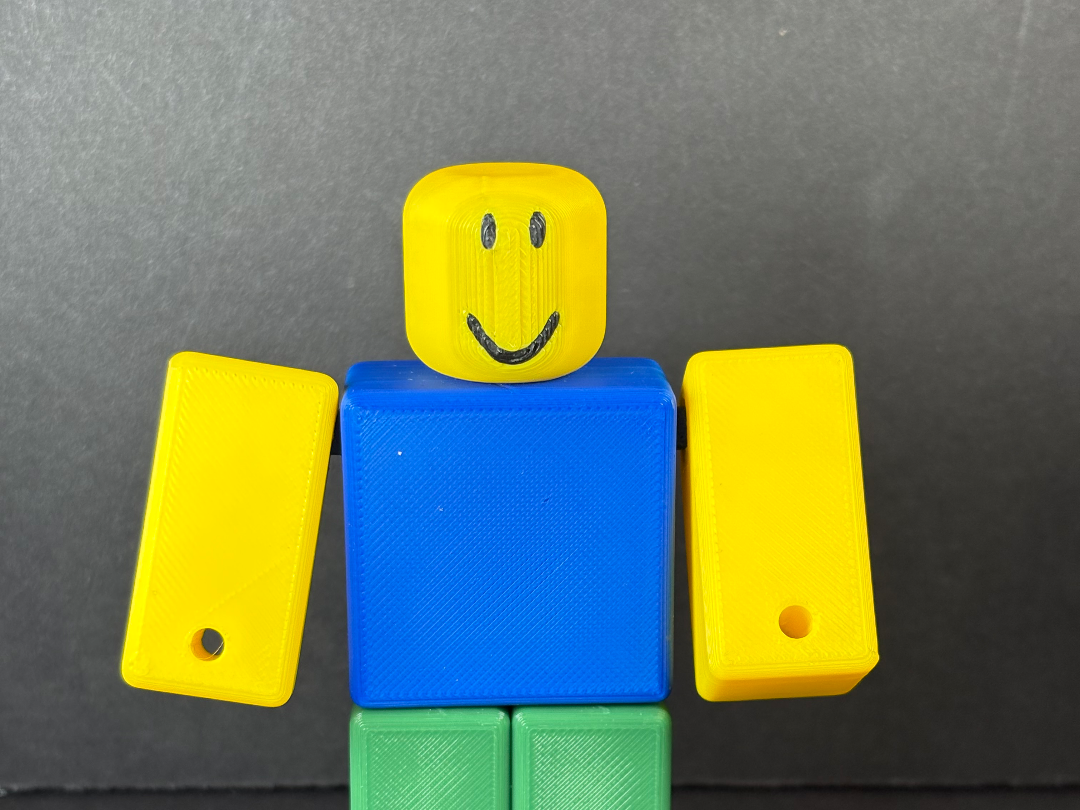

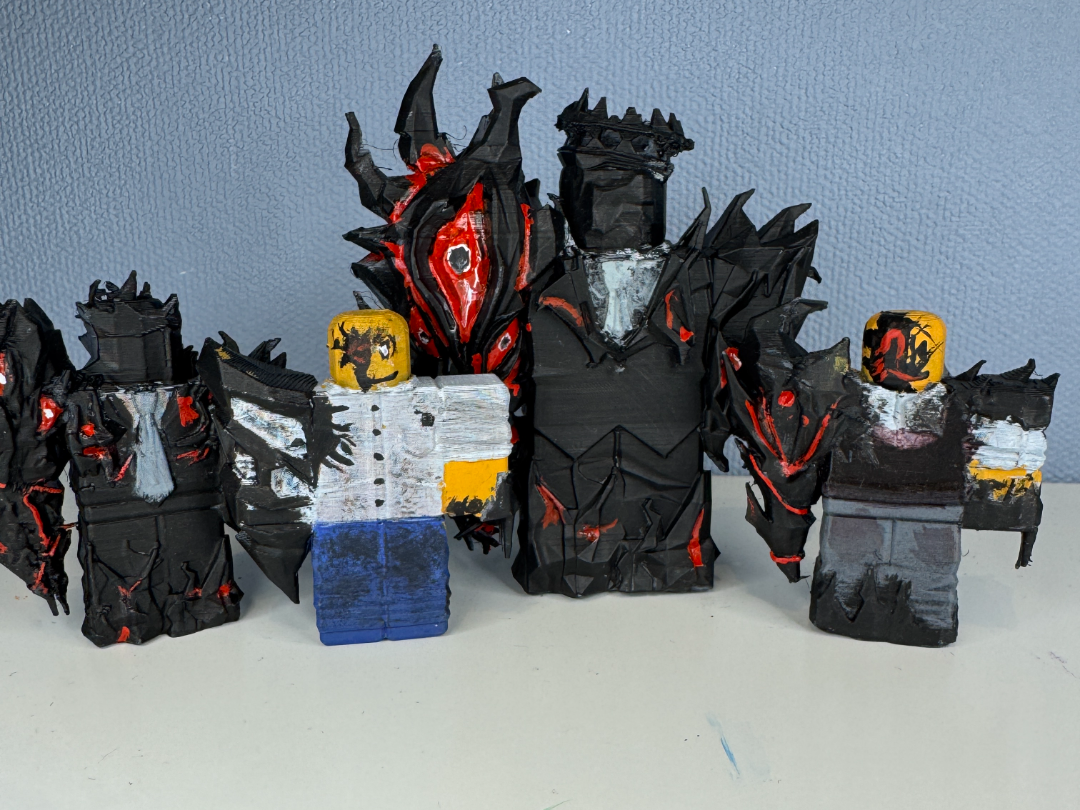
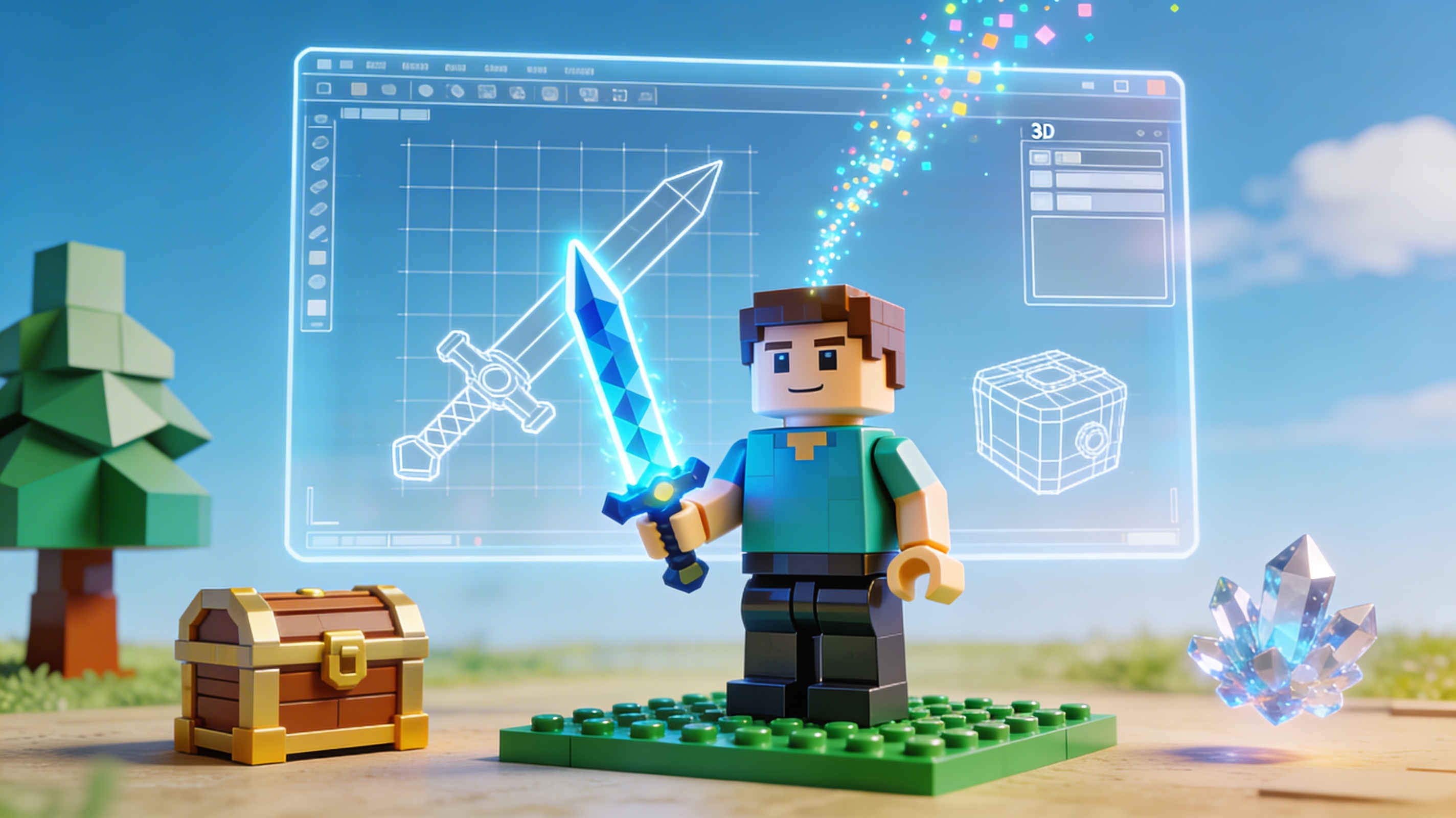
Roblox Noob Minifigure Free 3D Print Model MakerWorld 2025 11 08 . How To 3D Model Roblox Characters Roblox Studio Blender YouTube . Roblox 3D Models To Print Yeggi Page 15 2335241 More900 Character By Daftpunk222. Jhon Doe Milestone 1 2 3 And 4 Roblox Forsaken Free 3D Print 2025 11 23 . AI Roblox 3D Model Generator Create Assets Fast 2026 Hyper3D Blog 95 Roblox 3d Model.md