Navigating your online identity can be crucial for any gamer, especially on a platform as vast as Roblox. Many seasoned players, balancing work and family, often look back at their original Roblox usernames and wish for a fresh start. Whether your current name feels outdated, no longer represents your gaming style, or you simply desire more privacy, understanding how to change your name on Roblox is a common query. This guide provides comprehensive information on updating your Roblox identity, covering both free display name changes and premium username alterations. We delve into the distinctions, costs, limitations, and step-by-step processes, ensuring you have all the facts to refresh your persona in the Roblox metaverse without any hassle. Discover how to align your virtual self with your real-world gaming evolution, keeping your online experience current and engaging.
What's the fastest way to update my visible name on Roblox for free?
The fastest and most cost-effective way to update your visible name on Roblox is by changing your Display Name. This can be done through your account settings on both desktop and mobile, is entirely free, and can be changed once every seven days. It instantly updates how you appear in most Roblox games without affecting your unique login Username.
Is it possible to change my Roblox Username without spending Robux?
No, it is not possible to change your Roblox Username for free. Changing your unique Username, which is used for logging in and identifies your account, always costs 1000 Robux. The only free name change option available on Roblox is for your Display Name, which is what other players see in games.
How frequently can I switch my Roblox Display Name to something new?
You can change your Roblox Display Name once every seven days. This generous cooldown period allows you to frequently update your visible name to match current trends, your mood, or any new persona you adopt within the Roblox metaverse, all without incurring any cost.
What are the Robux requirements for a Roblox Username change, and how do I get them?
A Roblox Username change requires 1000 Robux. You can acquire Robux by purchasing them directly from the Roblox website or app using real money. Various Robux packages are available, and subscribing to Roblox Premium can also provide a monthly Robux stipend.
Will changing my Roblox name impact my in-game items, currency, or friend list?
No, changing either your Display Name or your Username on Roblox will not impact your in-game items, currency, game progress, or your friends list. All these elements are tied to your unique account ID, which remains constant regardless of your chosen name.
Can I change my Roblox name if I am under 13, and are there special restrictions?
Yes, users under 13 can change their Roblox name. The process for changing a Display Name or Username is the same for all ages, though parental controls might restrict Robux purchases. Roblox's chat and naming filters are more stringent for younger users, ensuring names comply with child safety guidelines.
Where exactly do I go in Roblox settings to initiate a name change?
To initiate a name change on Roblox, you need to go to your account settings. On the Roblox website, click the gear icon in the top right corner and select 'Settings'. On the mobile app, tap the three dots icon, then 'Settings'. Both 'Display Name' and 'Username' change options are found under the 'Account Info' tab.
Hey fellow gamers, ever logged into Roblox and cringed a little at that username you picked years ago? You know, the one that perfectly captured your 12-year-old self but now feels totally out of sync with who you are today? You are not alone. With a significant portion of US gamers being adults balancing jobs, families, and life, it is common to want our online personas to evolve with us. In a world where 87% of US gamers play regularly and many dedicate 10+ hours a week to their passion, our in-game identity truly matters. This month, personalization in gaming is a big trend, reflecting how much we value our virtual presence.
For many of us, gaming is that essential downtime, a way to unwind, connect with friends, or even build new skills. But an outdated username can feel like wearing an old, ill-fitting shirt to a new social gathering. The good news is, you absolutely can refresh your identity on Roblox. This comprehensive guide will walk you through everything you need to know about changing your name on Roblox, addressing those burning questions and offering practical solutions to help you align your virtual self with the awesome gamer you are today.
Can I really change my name on Roblox? Understanding Your Options
Yes, you absolutely can change your name on Roblox! However, it is important to understand that Roblox offers two distinct types of names, and the process and cost vary significantly between them. There is your Username, which is your unique identifier used for logging in, and then there is your Display Name, which is the name most other players see in games. We will dive into the specifics of each so you can make an informed decision that best suits your needs.
What's the Difference Between a Display Name and a Username on Roblox?
This is crucial to grasp. Think of your **Username** as your permanent digital fingerprint on Roblox. It is unique to you, used for logging into your account, and cannot be shared. Changing your Username is a more significant process and comes with a cost. Your **Display Name**, on the other hand, is like a nickname or a gamertag that appears above your character in most Roblox experiences. It is much more flexible, free to change, and can even be a name that other users already have, as long as it is not inappropriate. This distinction allows for both unique account identification and personal expression.
How Do I Change My Roblox Display Name? A Free and Easy Refresh
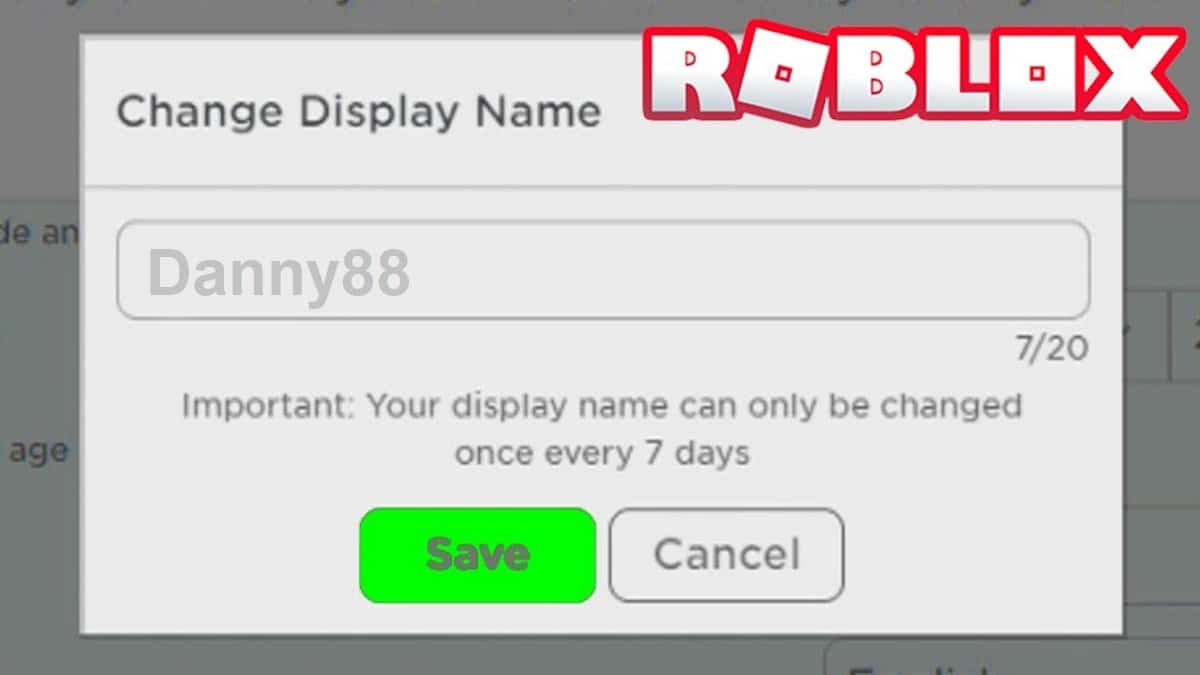
Changing your Display Name is the simplest and most common way to refresh your identity on Roblox, and best of all, it is completely free! This is perfect for those who want a quick update to their visible name without committing to a full username change. Here are the steps to change your Display Name:
Step 1: Log In to Roblox: Access your Roblox account via the website or the mobile app.
Step 2: Go to Account Settings: On the website, click the gear icon in the top right corner and select 'Settings'. On the mobile app, tap the three dots icon, then 'Settings'.
Step 3: Locate Display Name: Under the 'Account Info' tab, you will see 'Display Name'.
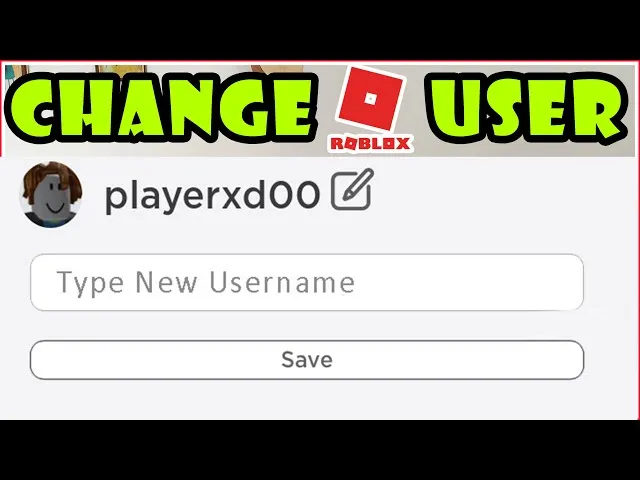
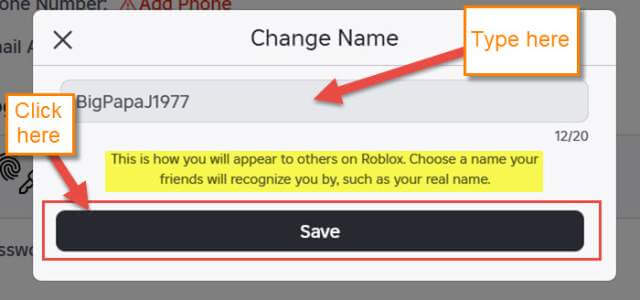
Step 4: Click the Edit Icon: There will be a small pencil icon next to your current Display Name. Click it.
Step 5: Enter Your New Display Name: Type in your desired new Display Name. Remember, it does not have to be unique.
Step 6: Click 'Save': Confirm your changes, and your new Display Name will instantly be active across Roblox experiences. You can change your Display Name once every 7 days.
How Much Does It Cost to Change My Roblox Username? A Premium Identity Shift
Changing your Roblox Username, which is your unique identifier, is a more involved process and comes with a cost. This change requires **1000 Robux**. For many adult gamers, especially those who budget their gaming expenses or are looking for value for money, 1000 Robux is a significant investment, roughly equivalent to 10-12 US dollars depending on Robux package deals. This cost reflects the permanence and uniqueness of a Username change, ensuring it is a deliberate decision.
What Are the Steps to Change My Roblox Username? Making It Official
If you are ready for a complete overhaul of your Roblox identity, changing your Username is the way to go. This change is permanent and will update how you log in and how others uniquely identify you. Ensure you have 1000 Robux in your account before proceeding. Here is the detailed process:
Step 1: Log In to Roblox: Access your account on the Roblox website.
Step 2: Navigate to Account Settings: Click the gear icon in the upper-right corner and select 'Settings'.
Step 3: Find Username Field: Under the 'Account Info' tab, locate the 'Username' field.
Step 4: Click the Change Username Button: You will see a button labeled 'Change Username' next to your current username.
Step 5: Enter New Username: A pop-up window will appear. Enter your desired new Username. The system will check if it is available and meets Roblox's naming conventions. Your new username must be unique.
Step 6: Confirm Robux Payment: The system will prompt you to confirm the 1000 Robux payment. Review your choice carefully.
Step 7: Complete the Change: Once confirmed, your Username will be updated. Your old username will be stored in your profile's 'Previously Used Usernames' list, visible to others.
Are There Any Limitations or Cooldowns for Changing Names?
Yes, there are limitations. For **Display Names**, you can change it once every 7 days. This generous cooldown period allows you to experiment with different names or adapt to current gaming trends without long waits. For **Usernames**, there is no explicit cooldown period after a successful change. However, due to the 1000 Robux cost, most gamers do not change their Username frequently. Additionally, if your desired Username is inappropriate or violates Roblox's Community Standards, it will be rejected. Always double-check your spelling and chosen name before confirming, as Username changes are final.
Why Would I Want to Change My Roblox Name? Evolving Your Gamer Persona
For many adult gamers, the reasons for changing a Roblox name go beyond simple aesthetics. It is about evolving your gamer persona to match your current identity. Perhaps you picked a name in your youth that feels silly or immature now. Maybe you have developed a personal brand through streaming or content creation and want your Roblox name to reflect that. Some players opt for a change due to privacy concerns, wanting a less identifiable name. Others simply want to mark a fresh start, leaving behind old associations or gaming styles. With social gaming trends dominating, and platforms like Discord being integral, having a name you are proud of is more important than ever for fostering connections.
What Happens If My Desired Name Is Taken?
When changing your **Display Name**, if your desired name is taken, it is generally not an issue as Display Names do not need to be unique. You can use common names, special characters (within Roblox limits), and even names shared by others. However, when changing your **Username**, uniqueness is paramount. If your desired Username is already taken, the system will inform you immediately, and you will need to choose another. This often means getting creative with numbers, underscores, or slightly altering your preferred name to find an available option that still resonates with you.
Can I Revert to My Old Roblox Name?
For **Display Names**, yes, you can revert to a previously used Display Name after the 7-day cooldown period. For **Usernames**, it is a bit more complex. Your previous usernames are stored on your profile, but you cannot simply revert to them for free. If you wish to use an old Username again, you would have to go through the full 1000 Robux Username change process once more, assuming that specific old Username has not been taken by another player in the interim. This is why choosing a new Username carefully is crucial, as it is a significant and costly decision.
Is Changing My Roblox Name Secure? Protecting Your Account
Yes, changing your name on Roblox is a secure process as long as you are doing it through the official Roblox website or app. Roblox employs standard security measures to protect your account. However, always be vigilant about phishing attempts or third-party websites claiming to offer free or easier name changes. These are scams designed to compromise your account. Always ensure you are logged into the legitimate Roblox platform before initiating any account changes, and never share your password or personal information with unofficial sources.
Tips for Choosing a Great New Roblox Name
Choosing a new name, especially a Username, is a big decision. Here are some tips for finding one that stands the test of time and reflects your gamer identity:
Keep it Memorable: A name that is easy to remember is great for social interactions.
Reflect Your Style: Does it align with your favorite games, your personality, or your desired persona?
Check Availability: Especially for Usernames, have a few backups in mind.
Avoid Trends (for Usernames): While Display Names can be trendy, Usernames should be more timeless to avoid future regrets.
Consider Length: Shorter, punchier names are often easier to type and read.
Stay Age-Appropriate: Even if you are an adult, remember Roblox is a diverse community. Choose a name that is respectful and widely acceptable.
FAQ Section: Quick Answers to Your Roblox Name Change Questions
Can I change my Roblox name on mobile?
Yes, you can change both your Display Name and your Username directly through the Roblox mobile app. The process is very similar to the desktop version, accessible via the 'Settings' menu.
How often can I change my Display Name on Roblox?
You can change your Roblox Display Name once every 7 days. This allows for frequent updates to your visible identity without any cost.
What if I don't have enough Robux for a Username change?
If you do not have 1000 Robux, you will not be able to change your Username. You would need to purchase Robux or earn them through official Roblox means (e.g., Premium payouts if you are a creator) to accumulate the necessary amount.
Does changing my name affect my friends list or game progress?
No, changing your Display Name or Username will not affect your friends list, followers, or in-game progress, items, or currency. Your account ID remains the same, so all your data is retained.
Are there any limitations on what I can name myself?
Yes, Roblox has community standards and filters in place. Names that are inappropriate, discriminatory, or contain personal identifying information will be rejected. Always aim for respectful and clean names.
Can I have special characters in my Roblox name?
Display Names allow for some special characters and spaces, making them more flexible. Usernames, however, are more restrictive, typically only allowing letters, numbers, and underscores, with specific rules about their placement.
Will my old name still show up anywhere after I change it?
For Usernames, your previous names are listed on your profile for others to see, helping friends identify you. For Display Names, the previous ones are not publicly archived in the same way; only your current Display Name is visible.
Is there a way to get a free Username change?
Currently, Roblox does not offer free Username changes. The 1000 Robux fee is standard for this service. Free name changes only apply to Display Names.
Conclusion
Changing your name on Roblox, whether it is a quick Display Name refresh or a full Username overhaul, is a straightforward process once you understand the options. For US gamers who juggle life's demands, having an online identity that feels authentic and up-to-date can significantly enhance the gaming experience. Remember, your Display Name offers a free and frequent way to express yourself, while your Username is a more permanent, albeit paid, commitment to rebranding your unique account. Prioritize security, choose wisely, and enjoy stepping into your refreshed Roblox persona.
What is your biggest gaming challenge when it comes to personalizing your experience? Comment below!
Roblox offers two name options Display Name which is free and can be changed every 7 days and Username which costs 1000 Robux. Changing Username is permanent with previous names archived. Display Names are visible to everyone while Username is for login and unique identification. Account security is paramount during any name change process. Gamers often change names for personal branding or privacy reasons.
35
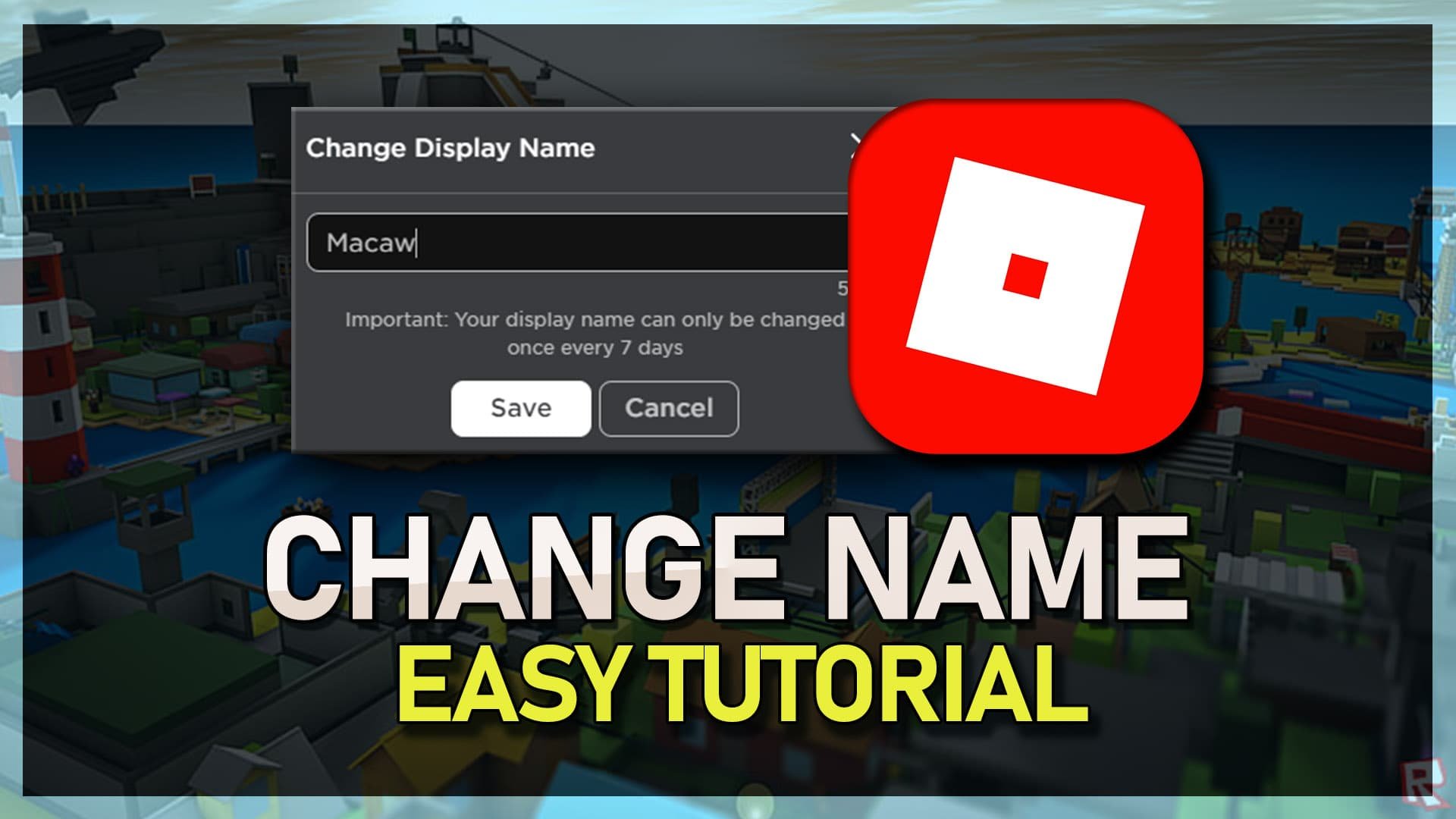



How To Change Your Name On Roblox YouTube . Change Your Roblox Display Name A Quick Guide How To Change Display Name In Roblox . How To Change Your Name On Roblox Quick Easy Tutorial YouTube . ROBLOX How To Change Your Name On Roblox Update Roblox Display Name . How To Change Your Display Name On Roblox 2026 Quick Easy YouTube

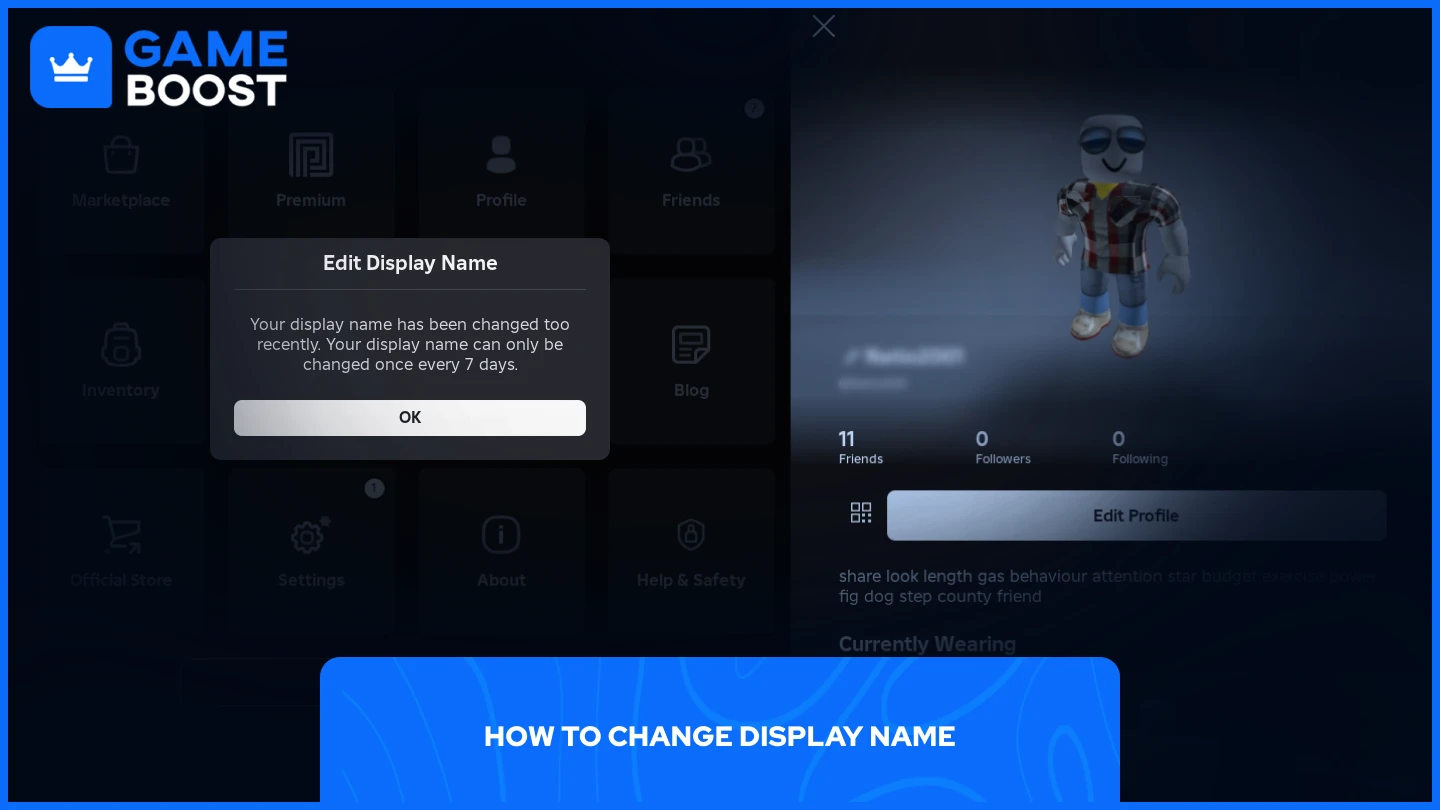


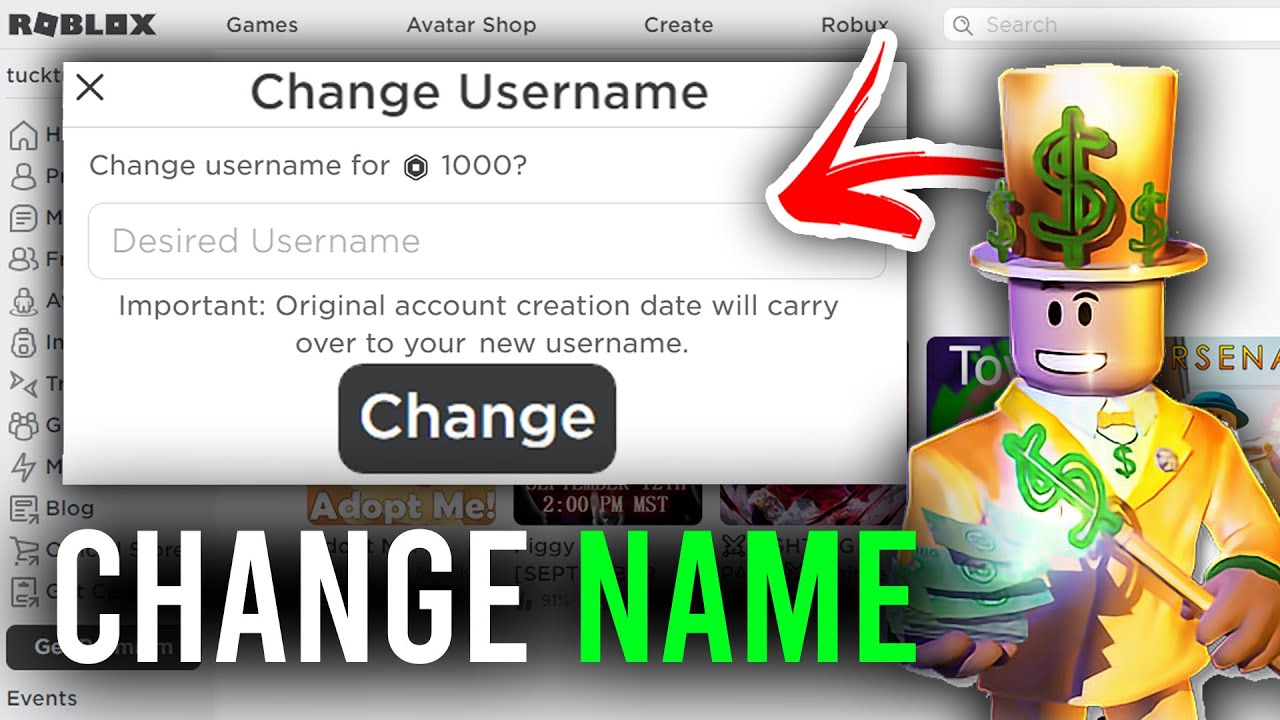
How To Change Your Username On Roblox Change Roblox Username 2025 . How To Change Your Name On Roblox Step By Step Guide 63bede04 8a06 4081 8718. How To Change Roblox Display Name Latest Update 2026 Step By Step . How To Change Your Roblox Display Name Full Guide YouTube . How To Change Your Name In Roblox Guide Change Your Roblox Username


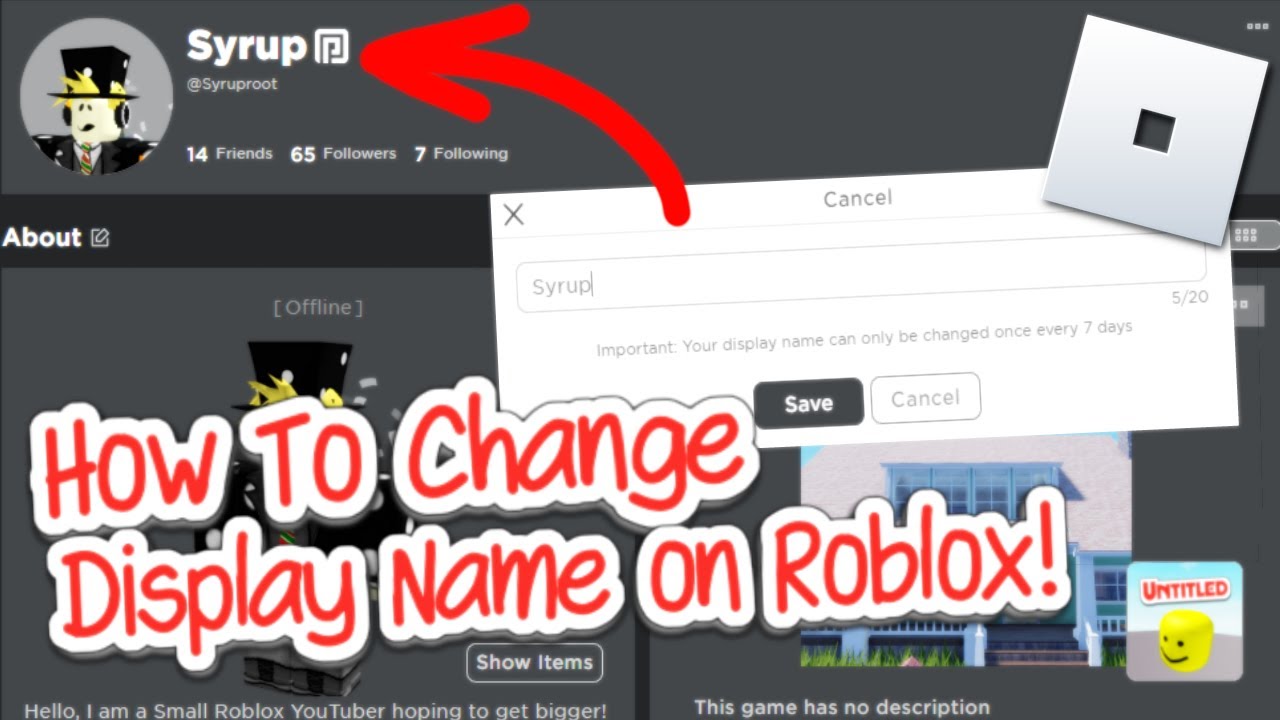

How To Change DISPLAY NAME On Roblox 2026 YouTube Hqdefault . How To Change Your Roblox Username 2026 Full Guide YouTube . Roblox Name Change All You Need To Know How To Change Roblox Username . Roblox Change Username . How To Change Username On Roblox Updated Quick Simple YouTube



Can I Change My Name On Roblox For Free Easy Guide Can I Change My Name On Roblox For Free . How To Change Your Roblox Name How To Change Your Roblox Name.main . How To Change Your Roblox Name How To Change Your Roblox. How To Change Your Display Name On Roblox Change Name For FREE YouTube . How To Change Name Of Your Roblox Games 2025 YouTube

How To Change Your Roblox Display Name Change Display Name Roblox 608x380 . How To Change Roblox Name Color Easily Como Mudar A Cor Do Nome Do Roblox Em Diferentes . How To Change Display Name And Username On Roblox How To Change Display Name On Roblox Thumbnail . How To Change The Name Of Your Game On Roblox 2024 YouTube . How To Change Roblox Display Name Can You Change Your Name On Roblox Change Roblox Display Name


How To Change Display Name Without Waiting 7 Days Roblox 2026 YouTube . Roblox Username Change How To Update Your ID Easily . How To Change Your Name In Roblox Change Name Roblox 110x69 . How To Change Your Display Name On Roblox On Any Device Roblox Support Page 300x208 . Can You Change Your Display Name On Roblox Find Out How Can You Change Your Display Name On Roblox



How To Change Your Display Name On Roblox YouTube . How To Change Display Name On Roblox Daves Computer Tips Roblox Name Change Window 640x300 . How To Change Name In Roblox How To Change Your Display Name On . How To Change Your Name On Roblox App On PC New Update YouTube . How To Change Your Name In Roblox