Unlock your Steam library's full potential on any device. Discover how to seamlessly enjoy your favorite Steam games, from AAA titles to indie gems, whether you are on a PC, Steam Deck, smartphone, or even a smart TV. This comprehensive guide provides practical solutions for busy gamers juggling work and family, offering tips on setup, performance optimization, and finding the right device for your budget. Learn about remote play, cloud gaming, and local streaming to ensure you never miss a beat. We tackle common pain points like latency, battery life, and hardware compatibility, ensuring you get the most out of your valuable gaming time. Stay current with 2026's top trends in device Steam gaming and connect with friends across platforms. It is all about maximizing fun and flexibility with your Steam library, wherever life takes you, without breaking the bank or sacrificing precious moments.
Related games- How To Find & Use Roblox ID Decals Like a Pro 2026
- Guide: Alaea Wanted Board Roblox Explained for Busy Gamers
- Guide How To 3D Print Your Roblox Character Fast
- Guide How To Buy Robux Limiteds Safely
- Guide How To Make Free Roblox Shirts Fast Easy Steps
What is the best way to stream Steam games to a smart TV?
The best way to stream Steam games to a smart TV is typically using the Steam Link hardware box (if you can find one) or the Steam Link app on a compatible smart TV or media streaming device (like a Fire TV Stick or Android TV box). Your gaming PC does the heavy lifting, streaming the video and audio over your home network. A strong Wi-Fi 5GHz or wired Ethernet connection for both your PC and the streaming device is crucial for minimizing input lag and ensuring a smooth experience. Pairing a Bluetooth controller directly to the TV or streaming box offers the most responsive control.
Can I play my purchased Steam VR games on a portable device?
Playing Steam VR games on portable devices is still largely experimental and requires specific hardware setups. While standalone VR headsets like the Meta Quest series can play some native VR titles, playing your PC-based Steam VR library on them typically requires a powerful gaming PC and a robust wireless connection to stream PC VR content via apps like Virtual Desktop or Air Link. Dedicated VR-capable handhelds are emerging, but for most portable devices, true Steam VR experiences are not yet natively supported without significant streaming overhead.
How do I extend my portable device's battery life for longer Steam gaming sessions?
To extend battery life for Steam gaming on a portable device, significantly reduce in-game graphics settings, lower the screen brightness, disable haptic feedback, and activate power-saving modes. On devices like the Steam Deck, you can also adjust the TDP (Thermal Design Power) limits and refresh rates to find a sweet spot between performance and endurance. Closing all background applications and ensuring your device is running the latest optimized software updates also helps conserve power, allowing you to maximize your gaming time.
Are there free-to-play Steam games optimized for portable devices?
Yes, many free-to-play Steam games are well-optimized for portable devices, making them excellent choices for budget-conscious gamers or quick sessions. Titles like Paladins, Warframe, Apex Legends, and even some indie F2P gems often feature scalable graphics settings that allow them to run smoothly on lower-powered hardware or handhelds. They often benefit from community-driven optimizations via Proton on Steam Deck. Always check system requirements and community reviews for performance tips on your specific portable device.
What are the common latency issues when playing device Steam games remotely?
Common latency issues when playing device Steam games remotely stem primarily from network congestion, Wi-Fi interference, and distance from your router. High ping on your internet connection or a weak local Wi-Fi signal between your gaming PC and the remote device introduces noticeable input lag. To mitigate this, use a wired Ethernet connection for your gaming PC, ensure your remote device uses a 5GHz Wi-Fi band, minimize other network activity, and ideally, connect from a location with a stable, high-speed internet connection.
Can I use my existing Steam controllers with portable devices?
Absolutely, most modern Steam-compatible controllers can be used with portable devices. This includes official Steam Controllers (though connectivity can sometimes be quirky), Xbox Wireless Controllers, PlayStation DualShock/DualSense controllers, and many third-party Bluetooth gamepads. Simply pair them via Bluetooth to your smartphone, tablet, or handheld gaming PC. This allows for a more traditional and comfortable gaming experience, especially for titles not designed for touch controls, and ensures muscle memory from your main PC translates seamlessly.
What upcoming features are expected for device Steam games in 2026?
In 2026, we anticipate several exciting features for device Steam games. Enhanced AI-driven upscaling technologies (beyond FSR and XeSS) for even better portable performance, deeper integration with social platforms for cross-platform play and voice chat, and more advanced battery management solutions for handhelds are likely. We also expect further refinement of SteamOS and Proton, making more Windows-exclusive titles seamlessly playable on Linux-based devices, along with the potential for more robust cloud-save features and AI-powered game recommendations tailored for on-the-go play.
Are you a dedicated gamer who feels like there is never enough time to dive into your beloved Steam library? Juggling a demanding job, family responsibilities, and the general chaos of adult life can make finding a solid chunk of gaming time feel like a mythical quest. You are not alone. In 2026, 87% of US gamers regularly play, often averaging over 10 hours a week, and a significant portion are looking for more flexible ways to enjoy their hobby. The dream of playing that epic RPG or competitive shooter, even when you are away from your main rig, is real, and it is more accessible than ever thanks to the evolution of device Steam games.
This article is your comprehensive guide to unlocking your Steam games on virtually any device. We understand the pain points: wanting to unwind with a quick session, connecting with friends online, optimizing performance without being a tech wizard, or just getting the most value from your existing library without costly upgrades. We will cut through the hype and provide practical, actionable solutions for setting up, playing, and optimizing your Steam experience across PCs, handhelds, phones, and more. Get ready to transform how you game, ensuring relaxation, fun, and skill-building are always within reach, no matter where you are.
What Exactly Are Device Steam Games?
Device Steam games refer to the ability to access and play titles from your Steam library on a variety of hardware beyond your primary gaming PC. This ecosystem extends Steam's reach to dedicated handhelds like the Steam Deck, smartphones, tablets, laptops, and even smart TVs, primarily through technologies like Steam Remote Play, cloud gaming services, and native support on specific hardware. The core idea is flexibility and accessibility, ensuring your extensive game collection is not tethered to a single machine.
This adaptability caters directly to the modern gamer's lifestyle. Whether it is a quick ten-minute session during a work break, a longer journey, or simply moving from your desk to the couch, device Steam games allow you to pick up and play. This means your investments in games continue to deliver value, adapting to your schedule rather than forcing you to adapt to it. It is about bringing your favorite digital worlds closer to your everyday life, making gaming a seamless part of your routine.
How Can I Play My Steam Games on Mobile Devices and Tablets?
Playing your Steam games on mobile devices and tablets is surprisingly straightforward, primarily thanks to Steam Link and cloud gaming services. Steam Link is Valve's official solution, allowing you to stream games from your powerful gaming PC to another device on the same local network, or even over the internet with a good connection. This means your phone or tablet acts as a display and controller, while your PC does all the heavy lifting.
To set it up:
- Download the Steam Link app from your device's app store (iOS, Android).
- Ensure your gaming PC is running Steam and connected to the same network.
- Launch the Steam Link app, pair it with your PC, and then connect a Bluetooth controller to your mobile device for the best experience.
For those without a powerful local PC or wanting to play entirely remotely, cloud gaming services like GeForce NOW or Xbox Cloud Gaming (which often integrate with Steam libraries) offer an alternative. These services run your games on high-end servers and stream the video to your device, requiring only a strong internet connection. This is an excellent option for playing graphically intensive titles without needing top-tier hardware locally, a common concern for budget-conscious gamers.
What's the Best Portable Device for Steam Games in 2026?
In 2026, the discussion around the best portable device for Steam games still heavily features the Steam Deck, but the landscape has expanded significantly. The Steam Deck remains a top contender for its seamless integration with the Steam ecosystem, robust Proton compatibility layer for Windows games, and excellent ergonomic design. It offers a true PC-like experience in a handheld form factor, ideal for deep dives into your library without compromises.
However, newer competitors have emerged, offering more powerful processors, OLED screens, and Windows operating systems for native game compatibility. Devices from brands like ASUS ROG Ally and Lenovo Legion Go provide alternatives that cater to users who prefer a Windows environment or demand the absolute highest portable performance. For gamers focused on value, older generation Steam Decks or refurbished models still offer an incredible experience at a more accessible price point. The 'best' device ultimately depends on your budget, desired performance, and whether you prefer the SteamOS ecosystem or a full Windows experience on the go.
How Do I Optimize Performance for Steam Games on Portable Devices?
Optimizing performance on portable Steam devices is crucial for a smooth, enjoyable experience, especially when balancing gaming with life means every minute counts. Here are key strategies:
- Adjust In-Game Settings: The most impactful step. Lower graphic presets (medium/low), resolution (e.g., 720p or 800p for handhelds), shadow quality, and anti-aliasing. Many modern games offer scaling options.
- Utilize FSR and XeSS: AMD's FidelityFX Super Resolution (FSR) and Intel's Xe Super Sampling (XeSS) are game-changers. These technologies render games at a lower resolution and then intelligently upscale them, providing near-native visual quality with significantly improved frame rates. Always enable them if supported by your game and device.
- SteamOS/Proton Settings: On Steam Deck, experiment with different Proton versions (GE-Proton often offers better performance or compatibility for specific titles). Adjust the TDP (Thermal Design Power) limit and refresh rate in the Quick Access Menu for a balance between performance and battery life.
- Driver Updates: Keep your device's drivers (GPU, chipset) up to date. Manufacturers frequently release optimizations that can significantly boost performance.
- Storage Speed: Install games on faster storage (SSD or high-speed SD card for Steam Deck) to reduce load times and potential stuttering.
- Close Background Apps: Ensure no unnecessary applications are running in the background, consuming valuable CPU, GPU, or RAM resources.
By focusing on these areas, you can significantly enhance your portable Steam gaming experience, making sure your limited gaming time is spent playing, not troubleshooting.
Can I Play Multiplayer Steam Games Across Different Devices and Platforms?
Yes, playing multiplayer Steam games across different devices and platforms is increasingly common, directly addressing the social gaming trend that sees 60% of US gamers engaging in multiplayer experiences. The key here is whether the game itself supports cross-play. If a Steam game explicitly offers cross-play, it means you can play with friends regardless of whether they are on PC, a Steam Deck, a console (if supported), or even mobile (for certain titles like Rocket League or Fortnite). Many popular social and cooperative games, which are highly valued by gamers balancing life, offer this functionality.
For games that do not have native cross-play, you can still play with friends across different devices as long as all players are accessing the Steam version of the game. For example, if you are on a Steam Deck and your friend is on a desktop PC, you can both join the same multiplayer server for a game like Lethal Company or Counter-Strike 2. The device primarily dictates how you interact with the game, not necessarily who you can play with, provided the underlying game platform is Steam. Discord integration has also become vital, allowing seamless voice chat and coordination regardless of the gaming device.
How to Manage My Steam Library on Various Devices Efficiently?
Managing your expansive Steam library across multiple devices can seem daunting, but with a few smart strategies, it becomes incredibly efficient. The goal is to minimize hassle and maximize playtime, especially for those with limited time.
- Cloud Saves Are Your Best Friend: Ensure games support Steam Cloud Save. This automatically uploads your game progress to Steam's servers, allowing you to pick up exactly where you left off on any other device. Before switching devices, always ensure your current game session has properly synced its cloud save.
- Categories and Collections: Utilize Steam's library categories. Create
Play Steam games across PC, mobile, and handheld devices. Optimize performance for seamless remote play and cloud gaming. Discover budget-friendly options and essential tips for setting up Steam on various devices. Connect with friends and manage your library efficiently while balancing life. Stay informed on the latest device Steam gaming trends and hardware.
35#1 Gallery device steam games




Valve Unveils New Steam Hardware For 2026 . Valve Announces Steam Hardware Lineup Coming In 2026 Here S Steam Hardware Splash . January 2026 S Top Selling New Steam Games Revealed 08418405 04a2 47eb B48b 1500x843 . Valve Steam Machine PC Console Hybrid Launches Early 2026 Why It Could Valve Steam Machine 2026 Official Product Photo 1024x512 . Steam Next Fest February 2026 The 22 Best Game Demos The Best Steam Next Fest Demos 2026 The Punished Backlog Order 2 300x162
#2 Gallery device steam games


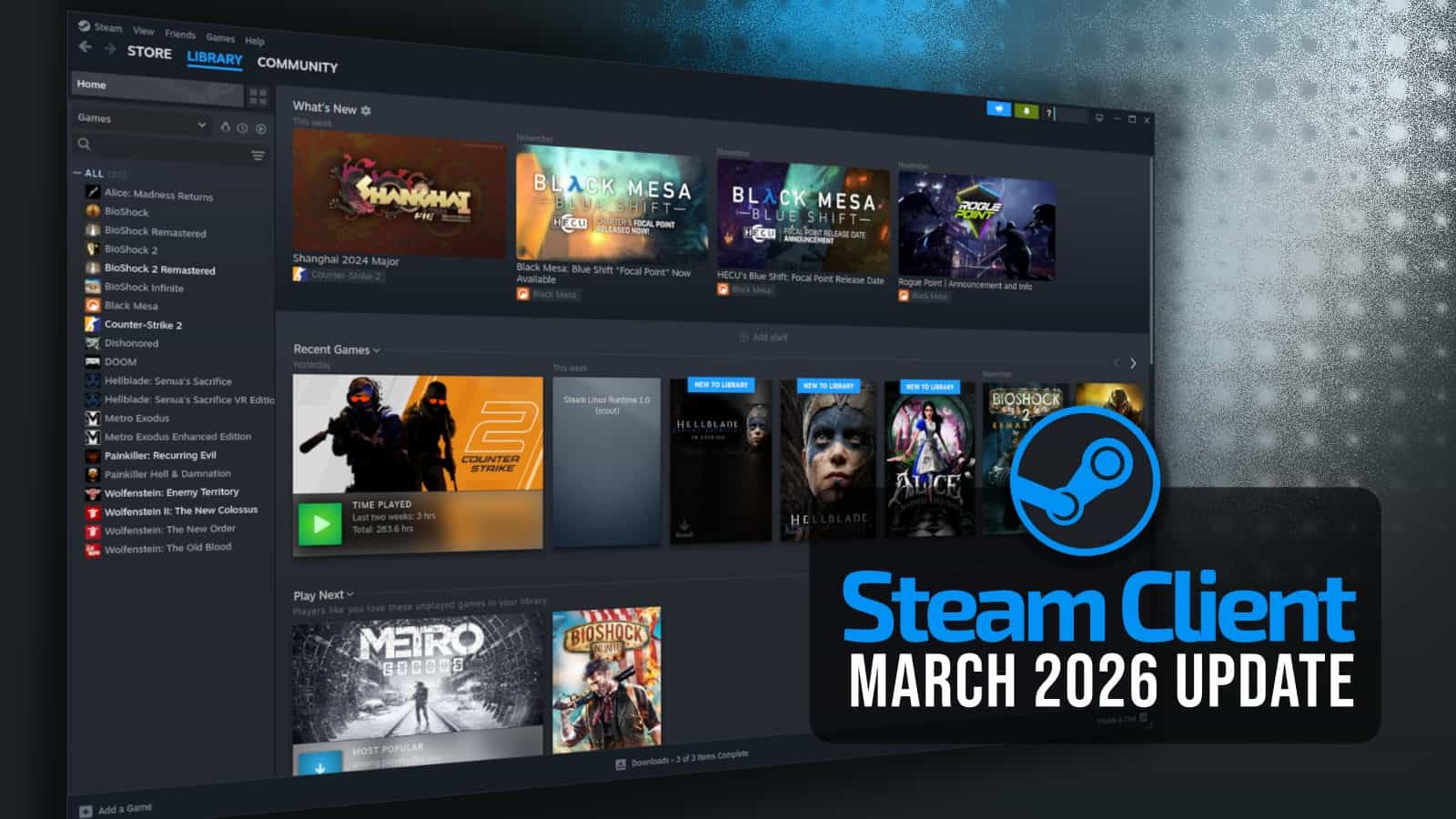
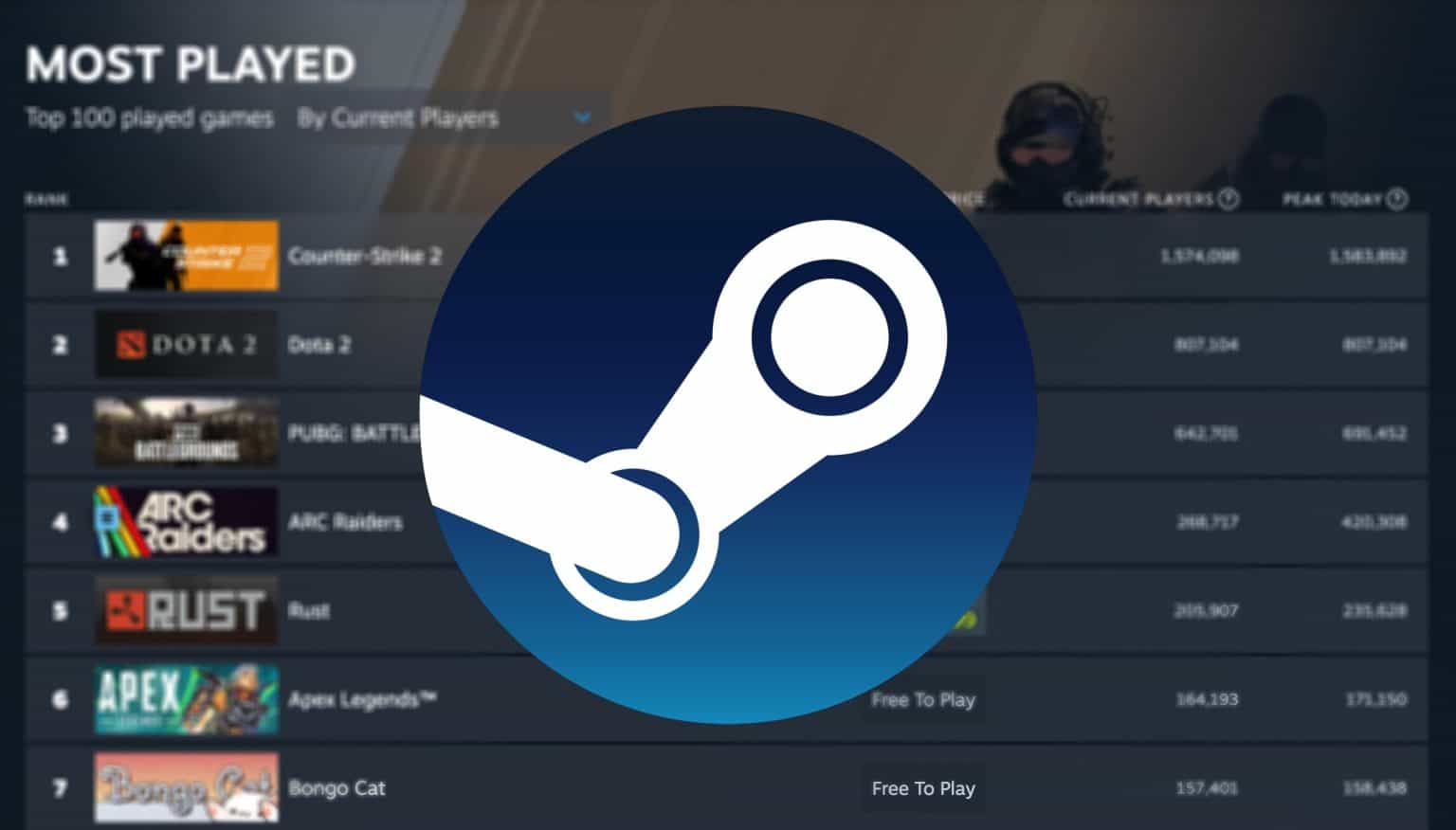
New Valve Hardware Revealed Steam Machine Steam Frame And More Are 1216xt . Valve Wows Gamers With Powerful New Steam Hardware Lineup Coming In Steam Hardware 1024x412 . Steam Sales 2026 Calendar Full Dates Best CD Key Deals AllKeyShop Com All Steam Events 2026. Steam March 2026 Client Update Adds Hardware Specs To User Reviews Steam Client Mar 2026 . The Most Played Games On Steam For 2026 So Far Cheat Code Central Most Played Games Steam 2026 1536x876
#3 Gallery device steam games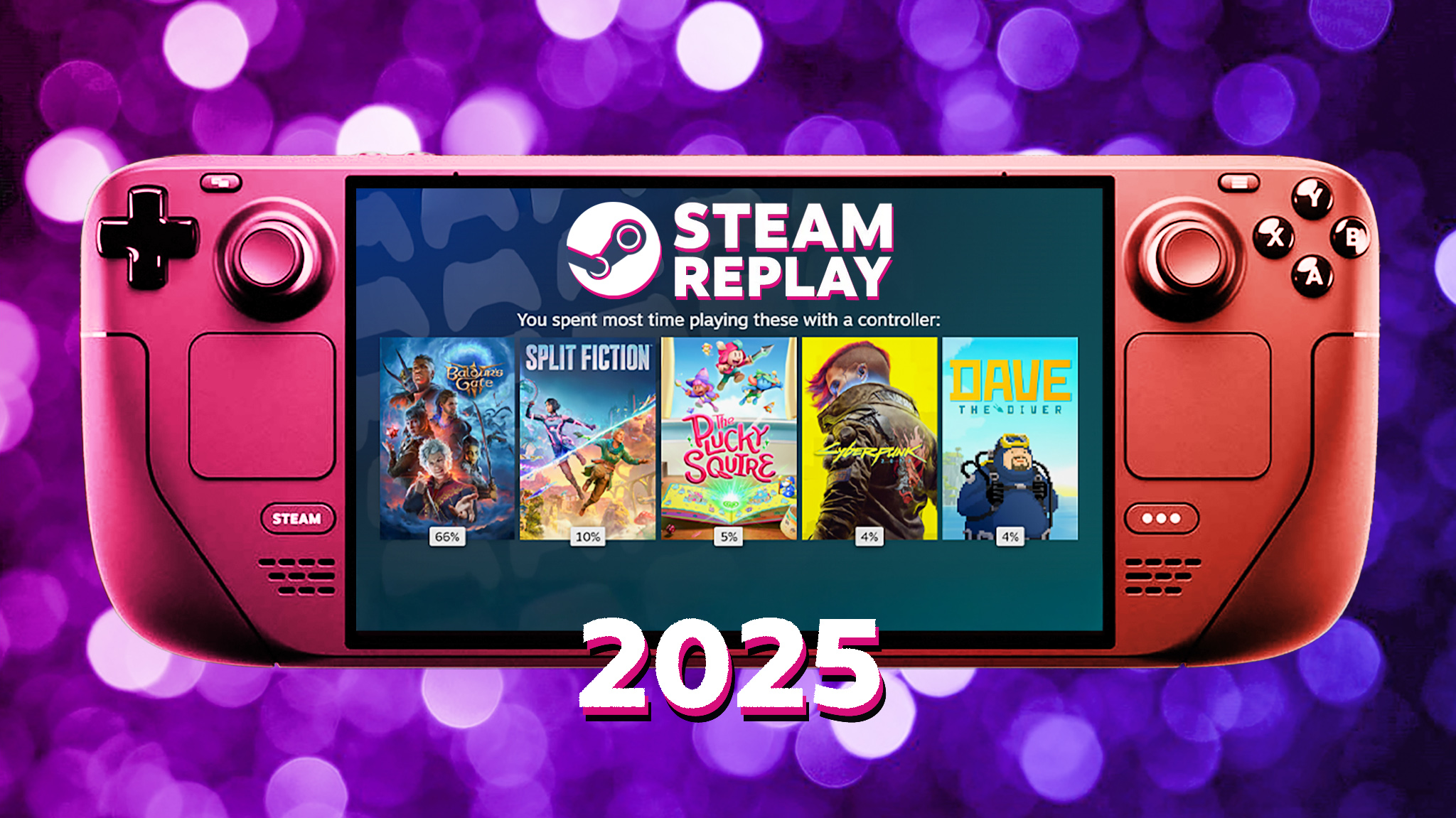

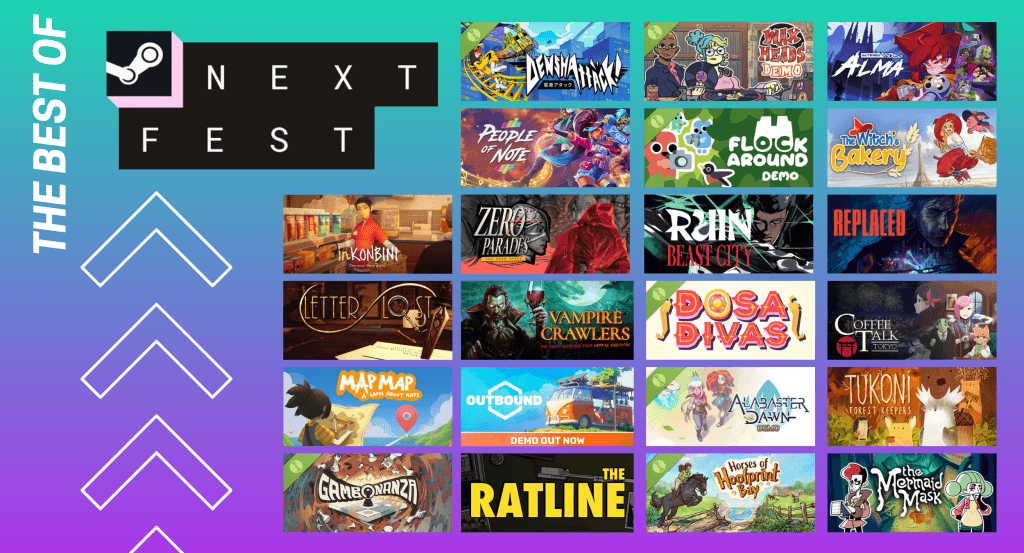

Valve Rewords Year In Review Confirms Steam Machine Frame Controller . 17 Game Gratis Di Steam 2026 Seru Bikin Kamu Ketagihan Jurnal Ngawi 3471022749 . Steam Next Fest February 2026 The 22 Best Game Demos The Best Steam Next Fest Demos 2026 The Punished Backlog 1024x553 . New Steam Features For 2026 Steam Features 2026 What S New Banner.webp. The Top 2026 Games By Steam Wishlists By Rhys Elliott Fc2aa87f 2277 4294 9e7b 1920x1080
#4 Gallery device steam games



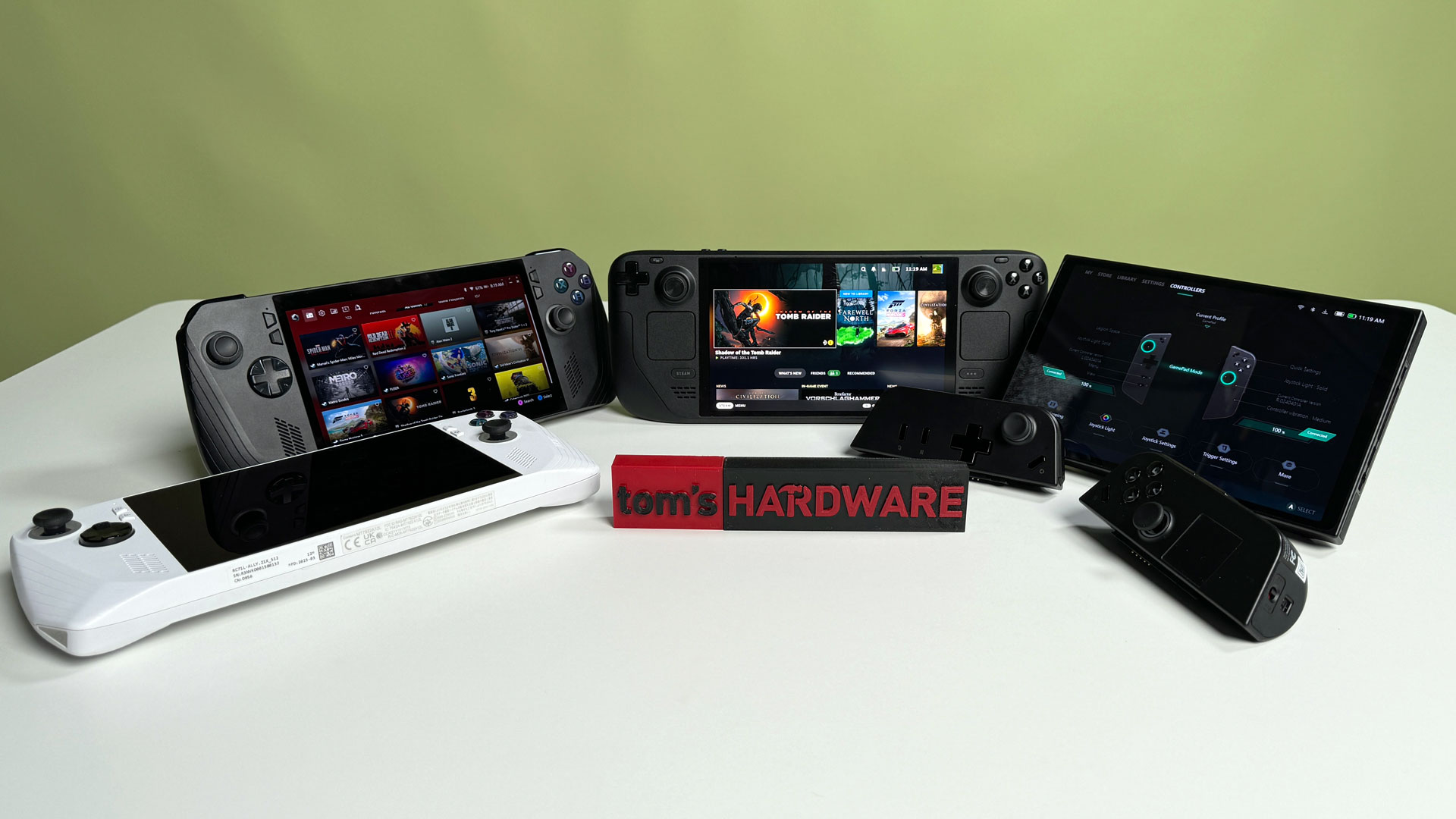
The Steam Deck Challenge Share Your Top 5 Games Of 2026 LevelUpTalk Steam Deck Top Games 2026 01 22 2026 0ac9c5a3 5f2d 49fd 819b. Steam Sale 2026 Key Dates You Need To Know LevelUpTalk Steam Sale Schedule 2026 08 27 2025 7c35051e 2c22 4093 96f1. My Current Steam Wishlist 2025 2026 New Games YouTube . Is The Steam Deck Still Relevant In 2026 LevelUpTalk Steam Deck Comparison 01 26 2026 F28a9009 2cef 4269 B85f. Best Handheld Gaming PCs 2026 Windows And Steam Decks Tested Tom S
#5 Gallery device steam games



Handheld Consoles In 2026 Why Nintendo Steam Deck And Portable Image 8 768x457 . Top 10 Most Anticipated Games Of 2026 What To Watch Out For TVN GAMES IN 2026 . Google To Kill Steam For Chromebook Beta In 2026 Installed Games Will 320 80 . Best Indie Multiplayer Games On Steam 2026 Edition LRDev Games 1.Best RPG Games On Steam Complete Guide.webp. Steam Deck Announces Exciting New Video Game Console Set Steam Deck Announces Exciting New Video Game Console Set For 2026 Launch Gaming News Update
#6 Gallery device steam games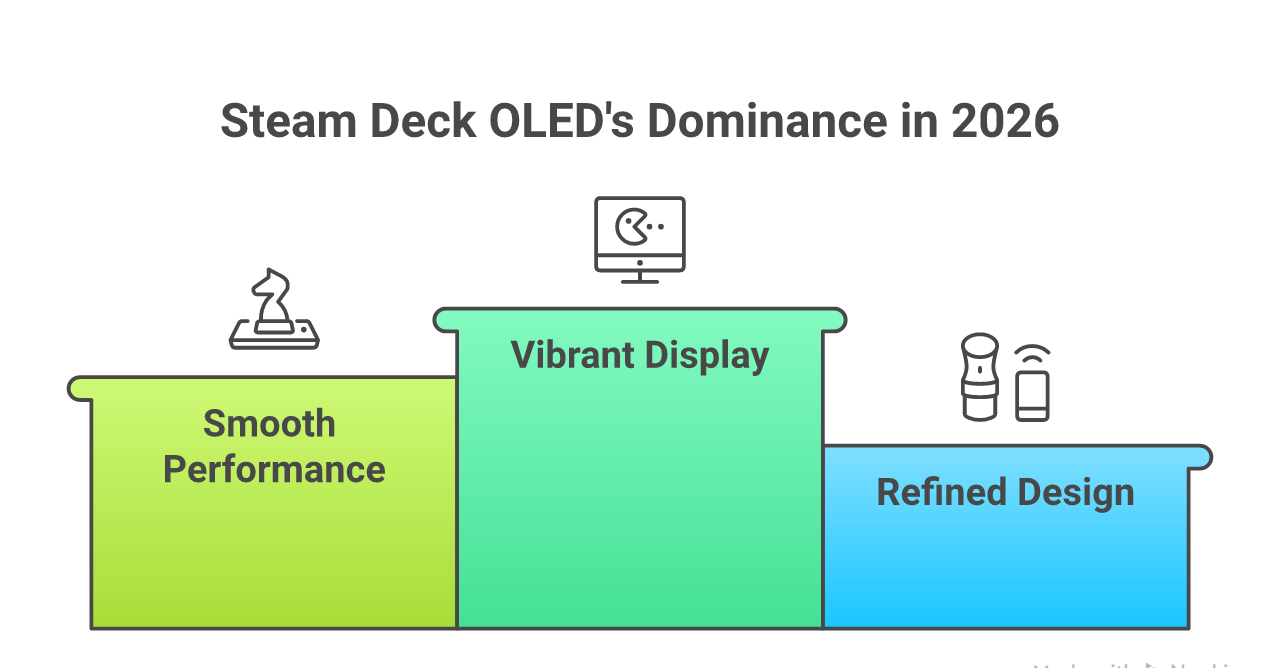
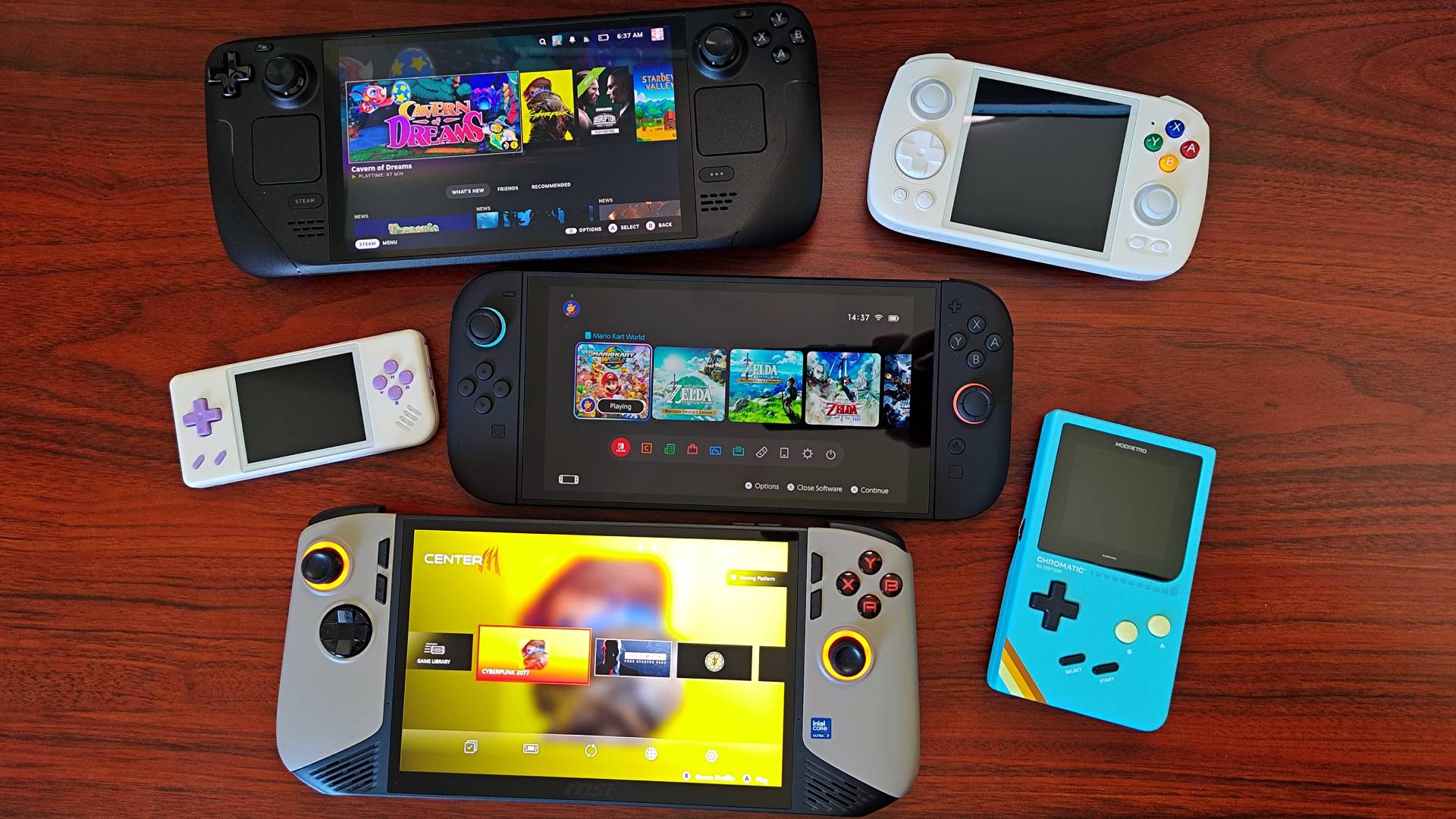
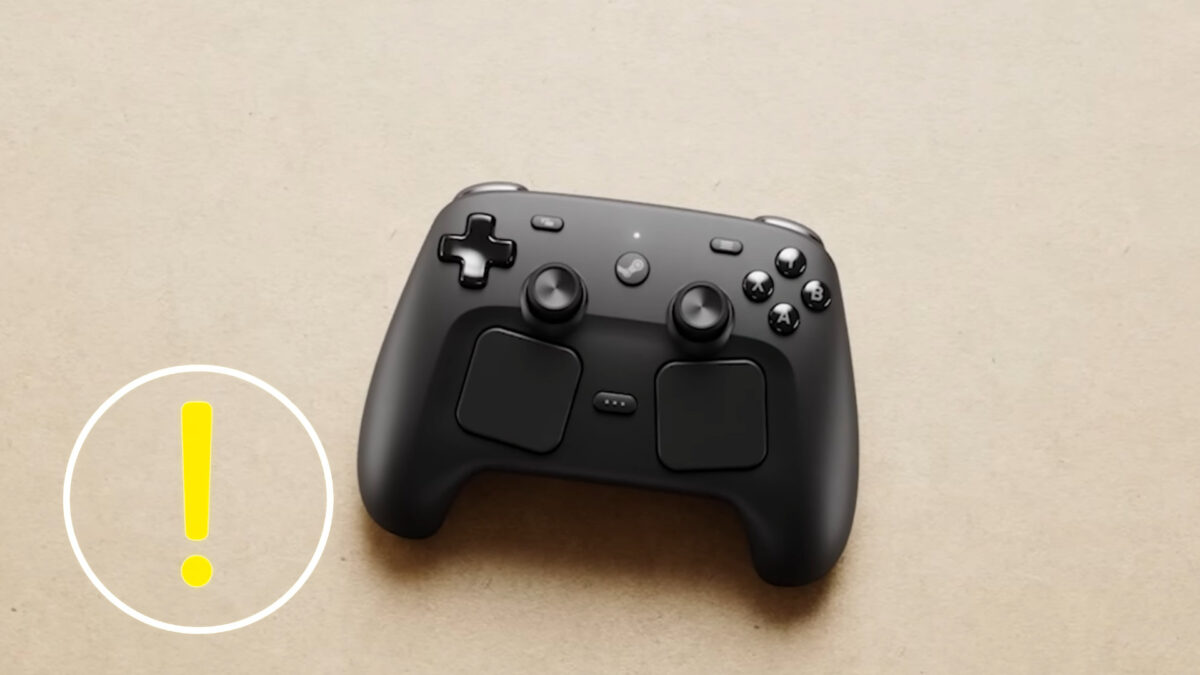
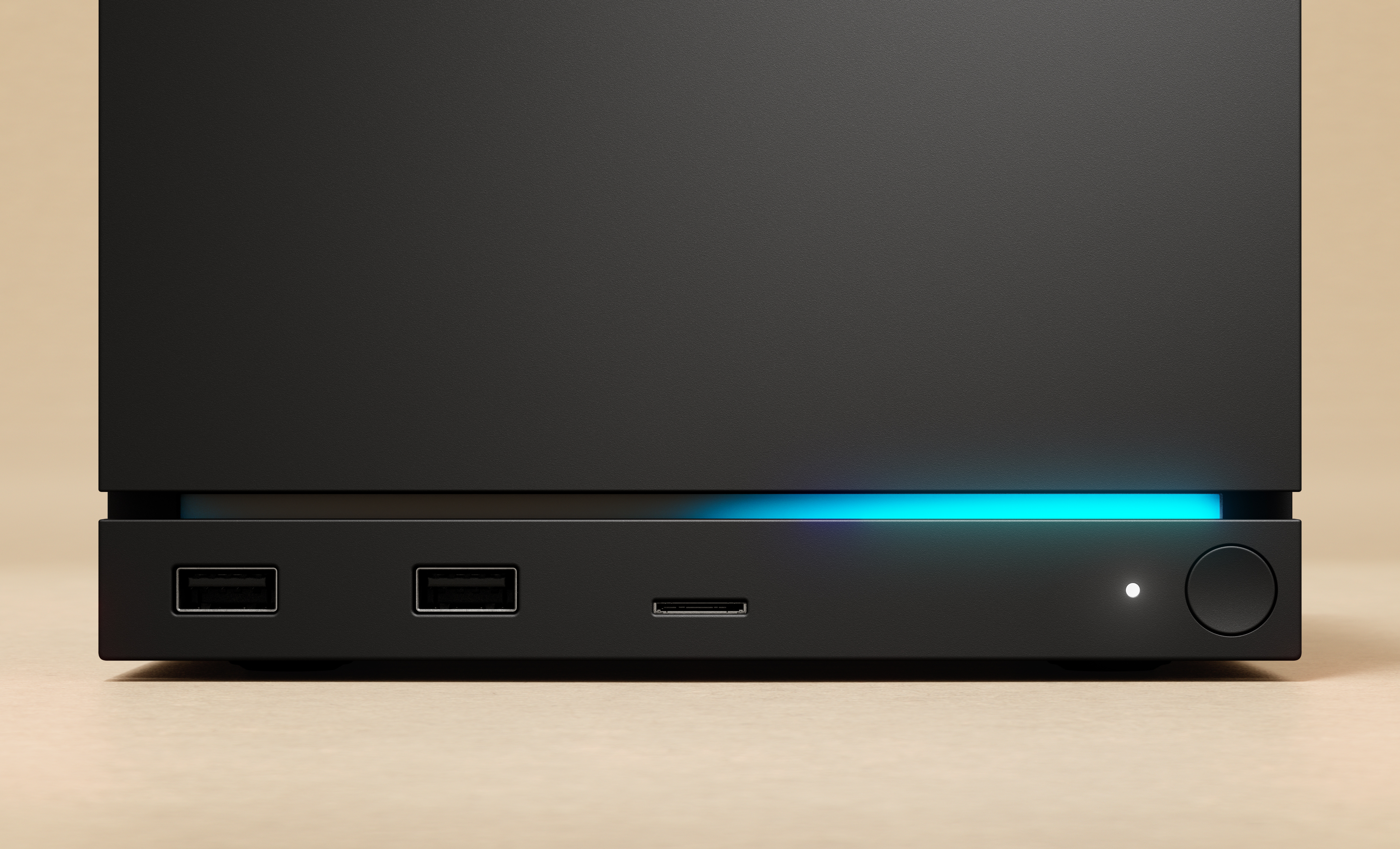
Steam Deck 2 Leads Portable Gaming In 2026 Separating Fact From Image 20 . The Best Steam Deck Games Worth Playing In 2026 GamesRadar . Valve S Steam Controller Has A Launch Date Everything On Release Steam Controller 2026 1 1200x675 . Steam Deck Maker To Launch New Video Game Console In 2026 Gaming News. Valve Just Announced Every Steam Sale Date From Now Until Summer 2026
#7 Gallery device steam games



Valve Confirms Steam Machine And New Hardware Still Set For 2026 34 . The Best Free Steam Games For 2026 The Absolute Best Steam Games For 2026 Vg5m.640 . Steam Top Sellers Most Played Games The 2026 Starting Grid Steam Top Sellers Most Played Games The 2026 Starting Grid Techjuice 210459 153757 190x95 . Steam 2026 4 New Free To Play Games Available Now AllKeyShop Com Showcase Steam Free Games 2026 Indie F2p Card Roguelike Sci Fi. The Best Steam Deck Games Worth Playing In 2026 GamesRadar
